Seedream 4.5 Review: AI Images with Readable Text and Posters
Seedream 4.5 from ByteDance is noticeably better than 4.0 at text, posters and fine detail, and it edits images from a prompt. Features, pricing, prompts and comparisons.
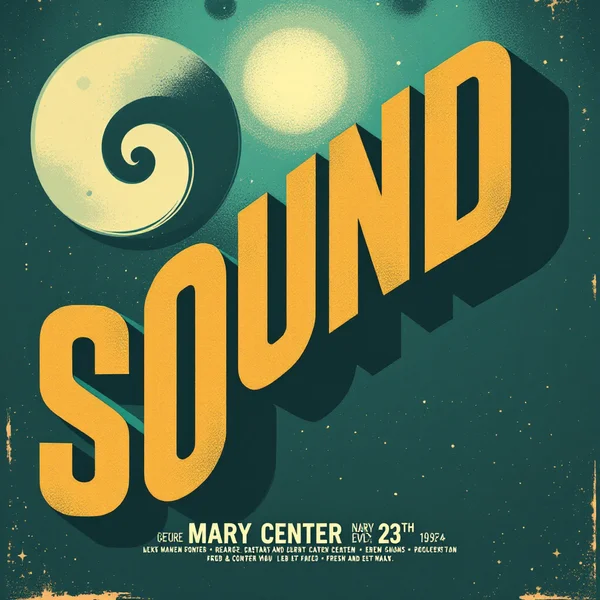
Seedream 4.5 is ByteDance's image generation and editing model, noticeably better than version 4.0 at text in images, posters and fine detail. In this Seedream 4.5 review we cover what it's good at, how to use it online in WebTerra AI, what an image costs and how to write prompts that produce legible lettering.
Text has long been a weak spot for image models: letters merge, words get mangled, and a poster headline turns into a row of pseudo-glyphs. Seedream 4.5 makes a clear step forward here, which is why the WebTerra AI catalog tags it with "text", "posters" and "anime". It's a strong pick for designers, social media managers and small business owners who need posters, banners, covers and simple logos with readable words.
The other half of the model is prompt-based editing. Upload one or several images and describe in words what should change. That's handy for ad variations, swapping details and combining several references into one frame. And at $0.07 per image, experimenting stays cheap.
What Seedream 4.5 can do
The model has two modes: text to image and image to image.
- Text and typography. Headlines, slogans, shop signs and packaging labels come out more legible than in 4.0.
- Posters. It holds a layout with large type, illustration and a consistent style — from minimal to retro.
- Fine detail. Patterns, textures and small infographic elements are rendered more cleanly.
- Prompt-based editing. In image-to-image mode you can upload up to 5 references in WebTerra AI and describe the changes.
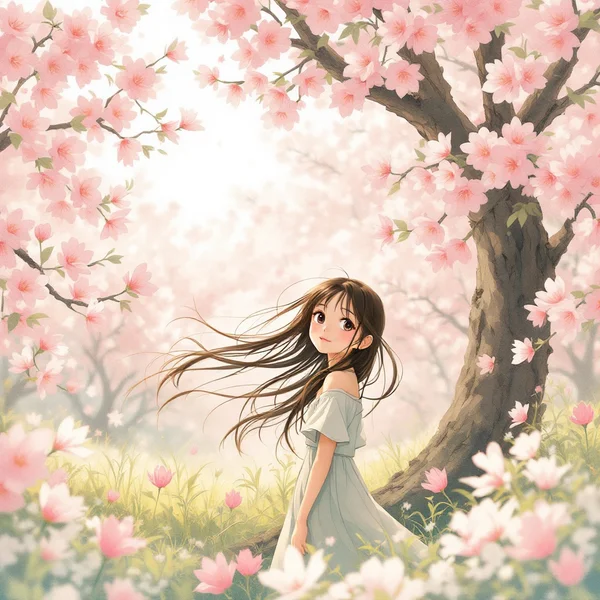
- Anime and illustration. Manga and animation-studio styling remains a strength of the Seedream line.
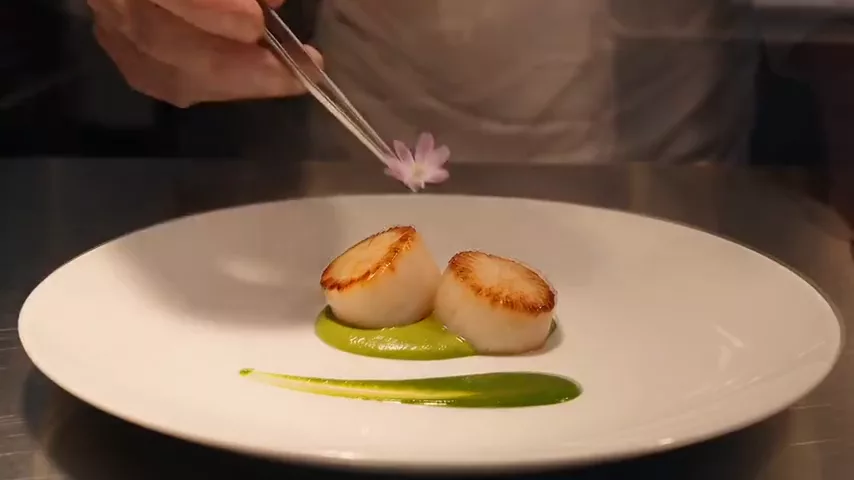
- Photoreal scenes. Product shots, interiors and food photography are covered by everyday presets.
By default the model produces one image per run, with the content safety checker enabled.
Seedream 4.5 specs
| Parameter | Value |
|---|---|
| Developer | ByteDance |
| Model type | Image generation and editing |
| Modes | Text to image, image to image |
| References in WebTerra AI | up to 5 images |
| Strengths | Text, posters, fine detail, anime |
| Price per image (1024×1024) | $0.07 |
How to use Seedream 4.5 in WebTerra AI
- Sign up for WebTerra AI and receive a free trial balance.
- Open the image generator in your dashboard and select Seedream 4.5.
- For a new image, write a prompt; for editing, upload one to five images.
- If the image needs text, put the exact words in quotes and describe the font and placement.
- Generate. Each image costs $0.07.
- Proofread the lettering, refine the prompt if needed and run again.
Presets speed things up: "Poster with text", "Text logo", "Diagram or infographic", "Anime character" and more give you a proven prompt structure to build on.
Seedream 4.5 pricing
Price of one generation with default settings (1024×1024, one image):
| Plan | Price per image |
|---|---|
| Starter | $0.07 |
| Pro | $0.07 |
| Ultra | $0.07 |
The 60 free credits from sign-up cover 10 images — enough for a few poster variations, a logo test and an edit of your own photo. Compare plans on the WebTerra AI pricing page.
The low price matters most with text work: lettering sometimes takes two or three tries, and with Seedream 4.5 that iteration stays inexpensive.
Prompt examples for Seedream 4.5
Write prompts in English and put the on-image text in quotes, in whatever language it should appear. These examples are based on dashboard presets.
1. Poster with text
Minimalist concert poster, large bold headline "NIGHT JAZZ" at the top, silhouette of a saxophonist in warm orange light, deep navy background, small text "Friday 21:00" at the bottom, retro screen-print texture
A classic gig-poster layout: big headline, illustration, a small line at the bottom. Quoted text plus explicit placement helps a lot.
2. Text logo
Clean flat logo for a coffee shop named "Morning Bean", simple coffee bean icon, rounded sans-serif lettering, brown and cream colors, white background, vector style
A quick identity sketch. Polish the final version in a vector editor.
3. Infographic
Simple infographic diagram showing three steps of plant growth: seed, sprout, flower, labeled "Step 1", "Step 2", "Step 3", flat illustration, pastel colors, clean white background
A labeled diagram for a slide or lesson. Short labels are far more reliable than full sentences.
4. Anime character
Anime style illustration of a girl with short silver hair reading a book in a cozy library, soft afternoon light through tall windows, detailed background, hand-painted look
Animation-studio styling, a long-standing strength of the line.
5. Product shot with a label
Product shot of a glass bottle of cold-pressed orange juice with a label reading "FRESH", on a white marble surface, orange slices around, bright morning light, commercial photography
Packaging text is exactly where the improvement over 4.0 shows.
6. Editing with references
Place the sneaker from the first image on the wooden bench from the second image, keep the sneaker design unchanged, soft natural daylight, lifestyle product photo
Image-to-image mode: combine a product and a location from different photos.
Tips for writing Seedream 4.5 prompts
Quote the exact text
Putting the lettering in quotes is the single most important rule. It tells the model to reproduce those characters, not paraphrase them.
Shorter text, better odds
Two-to-four-word headlines come out clean almost every time. Add paragraphs of copy in an editor afterwards.
Describe font and position
"Bold condensed sans-serif at the top", "handwritten script in the center" — these set hierarchy and stop the model from scattering text around the frame.
When editing, say what to change and what to keep
Write both halves: "change the background to…" and "keep the product unchanged". That protects the details that matter.
Refer to references by order
With several uploads, point to them explicitly: "the jacket from the first image", "the pose from the second image".
Always proofread
Even a model that's strong at text can slip on a single letter. Check every word before publishing.
Workflow: one product photo, a set of ad variations
Editing mode is where Seedream 4.5 saves marketers the most time. A simple routine for turning one product photo into a small campaign:
- Upload the clean product shot as the first reference.
- Ask for a new setting while protecting the product: "place the product on a beach towel in bright summer sun, keep the packaging unchanged".
- Add the offer text in a separate run: a short headline in quotes, bold white letters at the top.
- Repeat with other settings — kitchen, office desk, gift box — to build a set for A/B tests.
- Proofread and export each variation, and upscale the winners if they're headed for large formats.
At $0.07 per run, five or six variations stay well within a small budget, and splitting the scene change and the text into separate steps keeps both under control.
Fixing common text problems
- An extra or missing letter. Shorten the text, remove other quoted phrases from the prompt and rerun — competing phrases tend to blend.
- Text in the wrong place. State the position explicitly: "at the top", "centered on the label", "bottom left corner".
- Lettering gets lost in the background. Ask for contrast: "white text on a dark background", "bold outline".
- The model added its own text. End the prompt with "no other text" so only your headline appears.
- Almost perfect, one detail off. Don't start over — upload the result in edit mode and ask to fix just that word or element.
Use cases
- Social media and marketing. Offer banners, post covers and event announcements.
- Small businesses. Posters, menus, signage and early logo sketches.
- Marketplace sellers. Product images with readable labels and benefit infographics.
- Education. Labeled diagrams and illustrations for lessons and slides.
- Illustrators and authors. Anime characters, book covers and concepts.
- Designers. Fast layout variations through prompt-based editing.
Seedream 4.5 vs other image models
| Model | Focus | Pick it when |
|---|---|---|
| Seedream 4.5 | Text, posters, fine detail, editing | You need lettering and layouts at a moderate price |
| Seedream 4.0 | Anime, illustrations | The previous version for stylized art |
| Ideogram V3 | Posters and flyers | A second opinion for typographic posters |
| Nano Banana 2 | 4K, text in images | You need high resolution along with text |
| Recraft V3 | Vector graphics | You need a logo or icon in vector style |
If you've used the previous release, compare with Seedream 4.0 — text and detail are clearly better in 4.5. For posters it's worth trying Ideogram V3 too, and for large output Nano Banana 2 offers 4K. For logos that will be printed and scaled, vector-focused Recraft V3 is the more logical choice. Seedream 4.5 wins on the combination: good text, editing with up to 5 references and a moderate $0.07 per image.
Every model lives in the AI images section and draws on one balance, so you can render the same poster in two models and keep the better one.
Limitations
- Up to 5 references. In edit mode WebTerra AI accepts at most five images per run.
- Long text is risky. Headlines work well; paragraphs are better added separately.
- Safety checker on. Requests that break content rules may be rejected.
- Raster output. A logo comes out as an image, not a vector; vectorize it for large-format print.
FAQ
How much does a Seedream 4.5 image cost?
6 credits on any plan: about $0.08 on Starter and about $0.07 on Pro and Ultra.
How is Seedream 4.5 better than 4.0?
It renders text, posters and fine detail noticeably better, and it can edit images from a prompt using several references.
How many reference images can I upload?
Up to five per run in WebTerra AI's edit mode.
Can it write text in languages other than English?
Write the prompt in English and put the lettering in quotes in the target language. Proofread the result carefully, since accuracy can vary between scripts.
How many images can I make for free?
The 60 welcome credits cover 10 images at default settings.
Is Seedream 4.5 good for logos?
For sketches and concepts, yes — there's a "Text logo" preset. For a final vector logo, refine the output or use a vector model.
Seedream 4.5 is a practical choice whenever an image needs words and the budget is tight. Create a WebTerra AI account, claim your free trial balance and make your first poster online today.
Try AI models yourself
Models for video, images and audio in one place — a free trial balance when you sign up
Start for free