


Photo editing with AI
The editor covers four jobs people usually open Photoshop for: upscaling, background removal, removing unwanted objects and targeted edits. All of it is done by uploading a file and adding a few words — no graphic editor skills required. You can use your own files or generate a source image from a description.
Upscaling to 4K
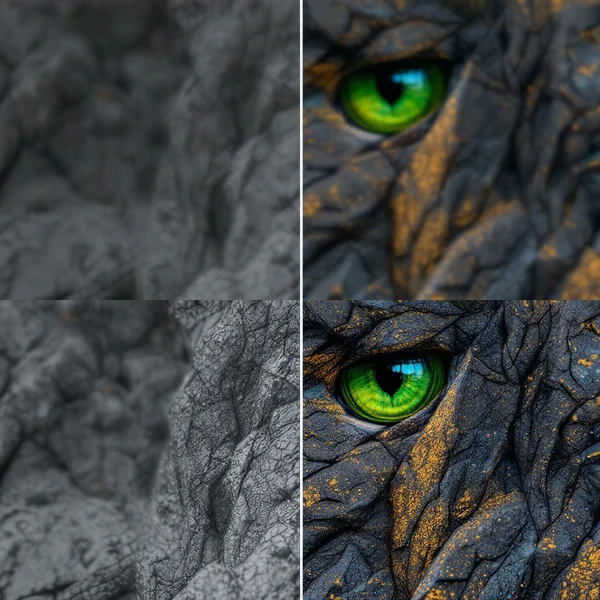
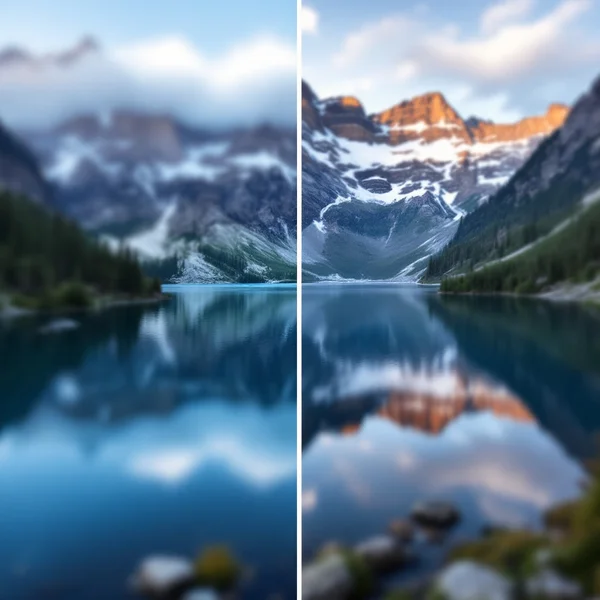
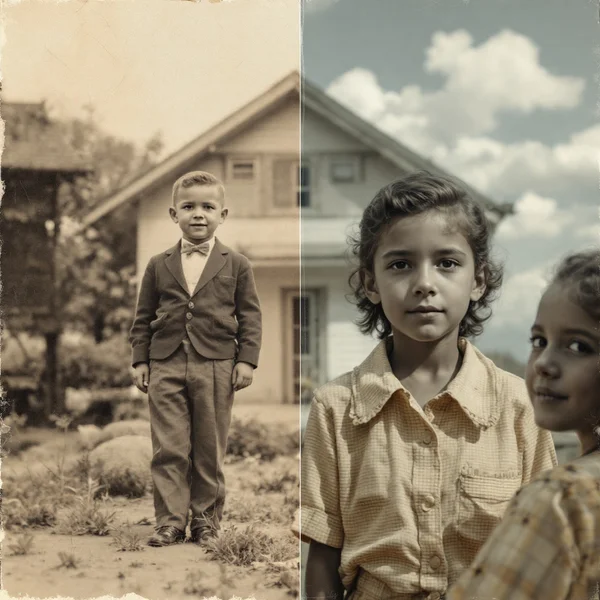
AI upscaling is different from simply stretching a picture. Ordinary enlargement just blurs pixels, while the Topaz model reconstructs details: it restores the texture of skin, hair, fabric and small elements that physically weren’t in the original. That lets you bring an old low-resolution photo up to a size suitable for print — or to animate it into a video later.
Removing backgrounds and objects
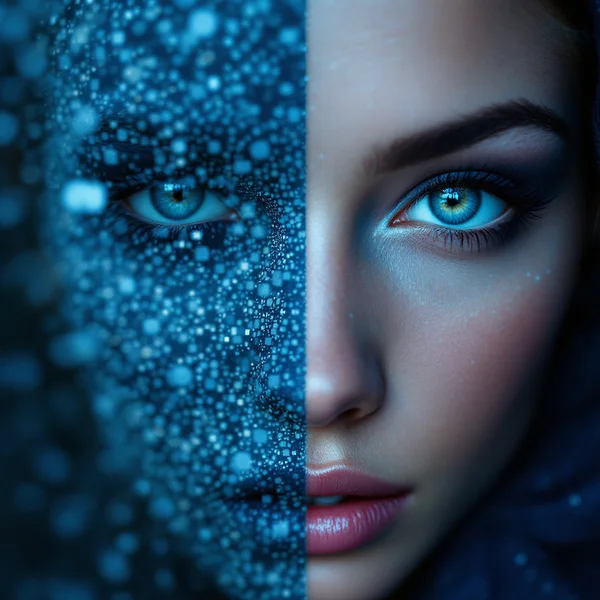
Backgrounds are removed in seconds, including tricky cases with hair, fur and semi-transparent edges. The result keeps transparency, so the image is ready for a product listing or a collage right away.
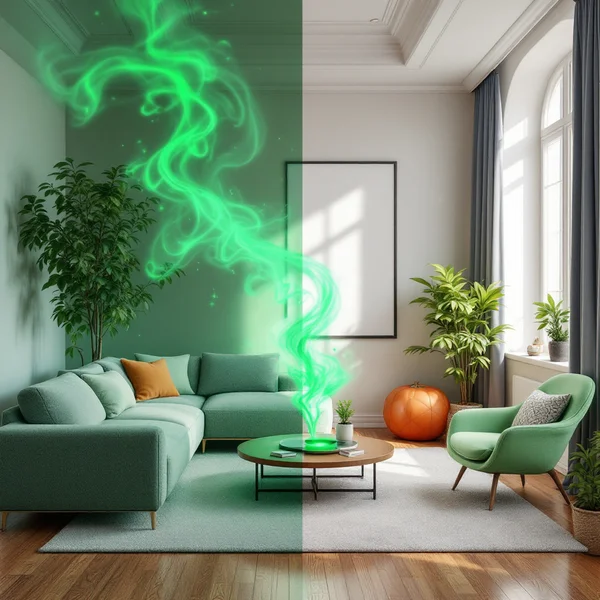
Object removal works through a text description: you write what to remove, and the model doesn’t just cut the area out but reconstructs what was behind it. That’s how people remove random passers-by from the background, wires, litter and stray items from interior shots.
Edits by description
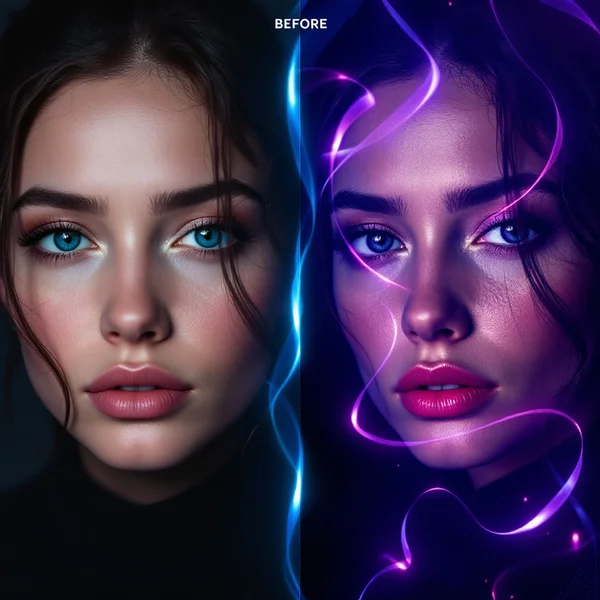
FLUX Kontext Max changes an existing image by text command: replace the background, change an object’s color, add or remove a detail. The original composition stays — only what you asked for is changed. For portraits there is a dedicated avatar generator.
All features run on one credit balance, no separate purchases needed. You get 60 credits when you sign up to try it.