








Product photos

Product photos and videos — without a photographer

One product shot becomes a series of images on different backgrounds, in an interior, in hand, plus a short cover clip. For marketplaces and your own store.

🎁 Free trial balance · no card required
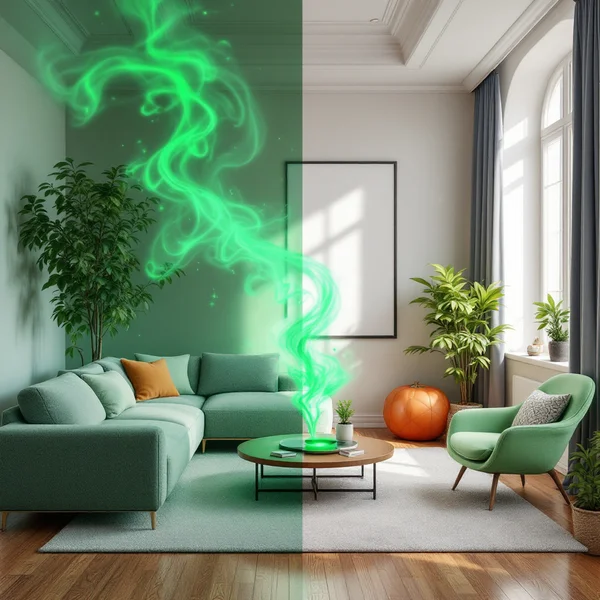
Заміна фону — example
Заміна фону
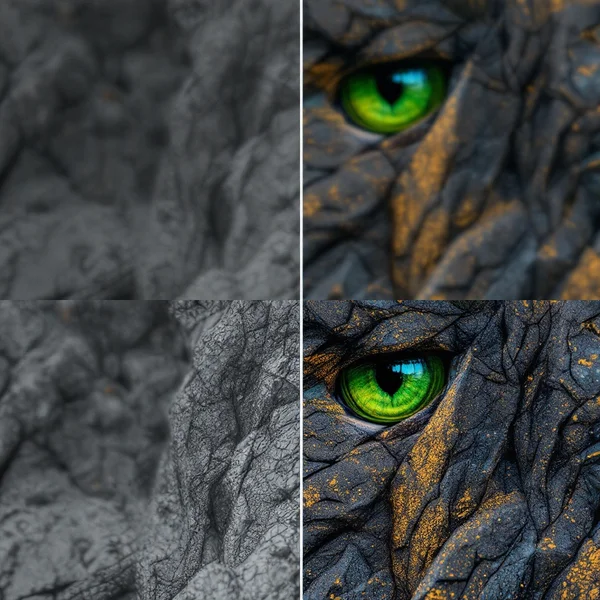
Remove Background — example
Remove Background
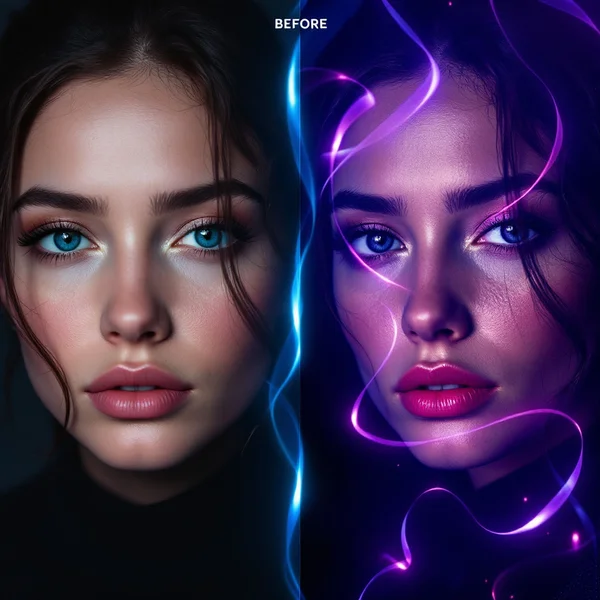
GPT Image 2 — example
GPT Image 2
Nano Banana Pro — example
Nano Banana Pro

How to make a product listing

1

Photograph the product

With your phone, in daylight, the whole product in frame. The background doesn’t matter.

2

Remove or replace the background

A clean white background in seconds, or a new scene from a description: “on a marble countertop, soft light”.

3

Make a series

The same product in an interior, in hand, in seasonal styling — from a photo reference.

4

Add a video

Animate the best shot: rotation, camera push-in — a 5–10 second video cover.

What to show in a listing

Product on white

The main photo to marketplace requirements — background removal with clean edges.

Product in context

Shoppers see size and use cases without an on-location shoot.

Seasonal versions

Holiday, summer, sale — the surroundings change, the product stays the same.

Close-up

Upscale to 4K so details and texture hold up when zoomed in.

Video cover

A short video from a photo — motion draws attention to the listing.

Variants to test

Several main photos — keep the one that gets more clicks.

Examples

Previews of models suited to product photography and editing.

Заміна фону — generation exampleЗаміна фону
GPT Image 2 — generation exampleGPT Image 2
Seedream 4.5 Edit — generation exampleSeedream 4.5 Edit
Nano Banana Pro — generation exampleNano Banana Pro
FLUX Kontext Max — generation exampleFLUX Kontext Max
Kling 2.6 Pro — generation exampleKling 2.6 Pro
Prompt: Two people talk by a café window on a rainy evening, city lights in bokeh

How many listings each plan gives you

Per month on each plan: five product photos on different backgrounds and a short clip for every listing.

“Marketplaces” scenario by plan
PlanPrice per monthEnough per month for
Starter$9.9955 product photos + 11 clips
Pro$47.99295 product photos + 59 clips
Ultra$119.99770 product photos + 154 clips

Images — FLUX.2 Pro at 1024×1024, videos — Hailuo 02 at minimum length. Other models will give you more or less: the exact price is shown on the model card before you run it. All plans and comparison with subscriptions.

Tools

Models for product listings

Backgrounds, scenes, edits by description, upscaling and video — in one workspace.

Remove Background
Editor

Remove Background

Pixelcut

Background removal

from $0.02Review
Try it
Заміна фону
NEWEditor

Заміна фону

Ideogram

New background from a prompt

from $0.20Review
Try it
Nano Banana Pro
PROImage

Nano Banana Pro

Google

Premium editor, 4K

from $0.30Review
Try it
GPT Image 2
HOTImage

GPT Image 2

OpenAI

Handles complex prompts

from $0.24Review
Try it
Seedream 4.5 Edit
Editor

Seedream 4.5 Edit

ByteDance

Prompt-based editor

from $0.11Review
Try it
FLUX Kontext Max
PROEditor

FLUX Kontext Max

Black Forest Labs

Complex photo edits

from $0.17Review
Try it
Topaz Upscaler
PROEditor

Topaz Upscaler

Topaz Labs

Upscale to 4K

from $0.33Review
Try it
Kling 2.6 Pro
HOTVideo

Kling 2.6 Pro

Kuaishou

Sound out of the box

from $1.83Review
Try it

Next

More about the tools on the pages for the editor, image generation and photo animation. To advertise a product — ad creatives.

Simple pricing

Prepay for 1, 6 or 12 months, no auto-renewal. Every 30 days you get more on your balance than you pay; plan money is valid for 60 days, top-ups never expire.

Starter

$9.99/mo

Billed for 30 days

💰 $11.22 added to your balance every month
Each top-up of plan money is valid for 60 days and is spent first


Enough per month for about

  • 🖼 125 images
  • 🎬 20 videos of 6 s
  • 🎧 55 minutes of voiceover

or any mix — one shared balance

📱 For social media: 60 posts + 10 Reels per month


  • ✓ All 102 models — no restrictions
  • ✓ 12% more on your balance than you pay
  • ✓ Ready-made scenarios and templates
  • ✓ Support via Telegram
Choose Starter
POPULAR

Pro

$47.99/mo

Billed for 30 days

💰 $56.33 added to your balance every month
Each top-up of plan money is valid for 60 days and is spent first


Enough per month for about

  • 🖼 630 images
  • 🎬 110 videos of 6 s
  • 🎧 290 minutes of voiceover

or any mix — one shared balance

📱 For social media: 324 posts + 54 Reels per month


  • ✓ All 102 models — no restrictions
  • ✓ 17% more on your balance than you pay
  • ✓ Ready-made scenarios and templates
  • ✓ Support via Telegram
Choose Pro

Ultra

$119.99/mo

Billed for 30 days

💰 $146.11 added to your balance every month
Each top-up of plan money is valid for 60 days and is spent first


Enough per month for about

  • 🖼 1,600 images
  • 🎬 290 videos of 6 s
  • 🎧 770 minutes of voiceover

or any mix — one shared balance

📱 For social media: 846 posts + 141 Reels per month


  • ✓ All 102 models — no restrictions
  • ✓ 22% more on your balance than you pay
  • ✓ Personal manager
  • ✓ Support via Telegram
Choose Ultra

Pay by card (Visa, Mastercard, Apple Pay, Google Pay) or with crypto (USDT, BTC, ETH…) — you will choose the payment method at the next step.
Your first payment adds +10% to your balance (once). Top-ups without a plan never expire.

Estimated with FLUX.2 Pro (1024×1024), Hailuo 02 (6 s) and ElevenLabs Multilingual. Other models cost more or less — the exact price is shown on the model card before you run it.

Compare with separate AI subscriptions →

Video · Photo · Voice · Avatars

Ready to start?

A free trial balance for your first generations in available models

Create account

FAQ

Questions and answers

A clear phone shot in good light with the whole product in frame. The background doesn’t matter: you can remove or replace it in the editor in seconds.

Product listings with AI: what you can do

A listing that sells is not one photo but a series: the product on white, in an interior, in hand, close-ups of details and a short clip. Shooting such a series with a photographer is expensive and takes days. AI does the same from one phone shot: it removes the background, places the product in the scene you need, changes the lighting and seasonal styling.

WebTerra AI puts the whole workflow in one workspace: the editor removes and replaces backgrounds and upscales to 4K, image generation creates scenes and backdrops, and photo animation turns a shot into a video cover. Every model uses one balance — no separate subscriptions.

You can try it for free: you get a free trial balance when you sign up, no card required. How many listings each plan covers is in the table above and on the pricing page.