Recraft V3 Review: AI Logos, Icons and Vector Graphics Online
Recraft V3 is built for typography and vector-style design: logos, icons, text posters and infographics. We cover what it does, what it costs, prompts that work and its limits.

Recraft V3 is an image generation model from Recraft that focuses on typography and vector illustration. It is strongest exactly where many generators struggle: legible lettering, clean flat shapes, logos, icon sets, posters and diagrams. In this Recraft V3 review we cover what the model does, how to use Recraft V3 online in WebTerra AI, what each image costs, and how to prompt it for branding work.
Recraft positions the model as a tool for designers rather than a generator of pretty pictures, and that shows in the use cases it targets: brand identity, social posts with headlines, slide graphics, infographics and illustration sets that need to share one style.
It is not limited to graphics — the dashboard offers photographic presets for it too, such as portraits, product shots, food and interiors — but text and vector work are the reason most people pick it.
What Recraft V3 can do
Recraft V3 is a text-to-image model with the option to add one reference image. These are the jobs it is tuned for:
- Logos with lettering. Wordmarks, combination marks and monograms with readable type.
- Posters with text. A big headline and a styled layout in a single prompt.
- Icons and vector art. Consistent icon sets and flat illustrations for websites and apps.
- Diagrams and infographics. Clear labelled diagrams for presentations and learning materials.
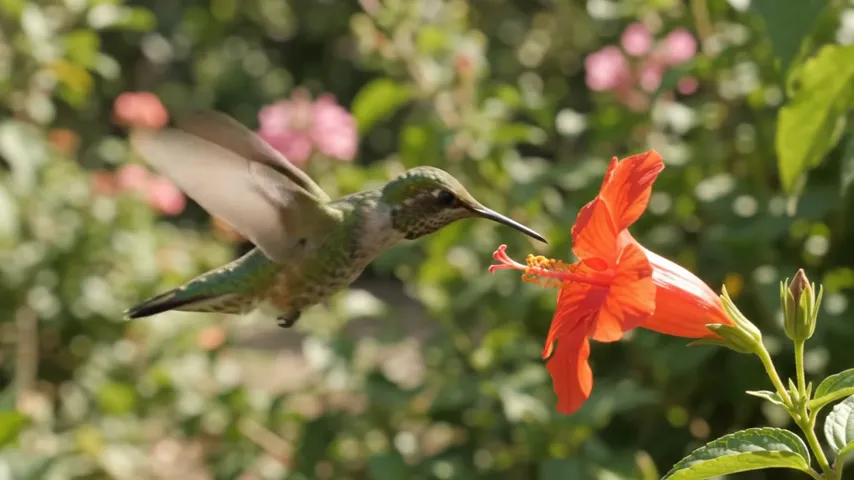
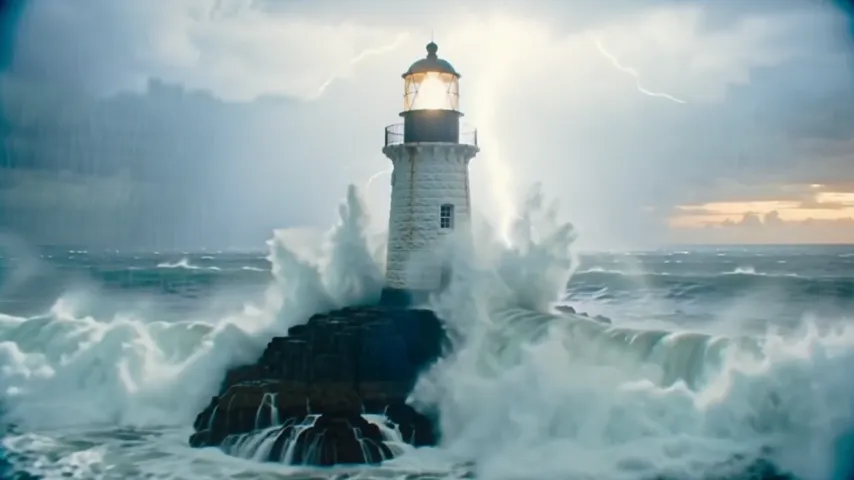
- Photographic scenes. Cinematic portraits, product shots, landscapes, food, social creatives and interiors via presets.
- Room for detail. Prompts can be up to 1,000 characters — enough to spell out style, palette and composition.
The real value is predictability on design tasks. When you need a design asset rather than a photograph, Recraft V3 tends to read the brief more precisely than general-purpose generators.
Recraft V3 specs
| Spec | Value |
|---|---|
| Developer | Recraft |
| Type | Image generation |
| Input | Text |
| Reference images | Up to 1 |
| Max prompt length | 1,000 characters |
| Size used for pricing | 1024×1024 |
| Price per image | $0.12 |
How to use Recraft V3 in WebTerra AI
- Sign up for WebTerra AI and get a free trial balance.
- Open image generation in the dashboard and select Recraft V3.
- Choose a preset — Text logo, Poster with text, Icons and vector art, Diagram or infographic — or write your own prompt.
- Put any text that must appear in the image inside quotation marks.
- Add style, palette and layout, keeping the prompt under 1,000 characters.
- Generate, compare several variations and refine.
Other image models are listed on the AI image generation page.
Recraft V3 pricing
| Plan | Price in USD |
|---|---|
| Any plan or top-up pack | $0.12 |
A 1024×1024 image costs $0.12 on every plan. The free trial balance covers 5 generations — enough for a few logo concepts and a small icon set. See the pricing page for plan details.
Prompt examples for Recraft V3
1. Coffee shop logo
Minimalist logo for a coffee shop called "Bean There", a simple coffee cup icon forming the letter B, warm brown and cream palette, flat vector style, clean white background
A classic combination mark — symbol plus name. Generate several and keep the cleanest.
2. Event poster
Bold typographic poster with the headline "SUMMER JAZZ NIGHT", retro 1960s style, mustard yellow and deep blue, abstract saxophone shapes, grain texture
Gig, party or webinar announcement where the headline drives the layout.
3. Icon set
Set of 9 flat vector icons for a fitness app: dumbbell, heart rate, water bottle, running shoe, calendar, timer, apple, yoga mat, trophy, consistent 2px line style, mint green accent
UI or landing-page icons in one style. Naming the line weight and accent colour keeps the set coherent.
4. Infographic
Clean infographic diagram showing the 4 steps of a coffee brewing process, numbered circles, short labels "Grind", "Bloom", "Pour", "Serve", flat pastel colors, white background
A slide or educational post. Short labels render far more reliably than full sentences.
5. Website hero illustration
Flat vector illustration of a remote team working together on laptops around a large table, friendly characters, limited palette of coral, navy and sand, plenty of negative space
Hero art for a homepage or an About section.
6. Product label
Label design for a craft honey jar with the text "WILD MEADOW HONEY", hand-drawn bees and wildflowers, vintage engraving style, black and gold
A packaging concept for a designer to develop further.
Tips for Recraft V3 prompts
Quote the text and keep it short
Brand names, two-to-four-word headlines and diagram labels come out best. Add long paragraphs later in a layout tool.
Speak designer
Flat vector, line art, isometric, Swiss style, retro poster, engraving, minimal geometric — these terms narrow the output far better than “nice” or “modern”.
Limit the palette
Name two or three colours — “navy, coral and sand”. A restricted palette produces a cohesive result and makes downstream design work easier.
Ask for space
For logos and icons, specify “clean white background” and “plenty of negative space” so the mark is easy to cut out and place.
Spend the 1,000 characters wisely
Long prompts help complex posters, but logos benefit from short, precise instructions. The more requirements you stack, the higher the chance some are ignored.
Lock the style for a series
When you need several assets that belong together, reuse the exact same style sentence and palette in every prompt and change only the subject.
A reusable prompt template
Most good Recraft V3 prompts follow the same anatomy. Fill in the blanks and you will rarely start from zero:
- Asset type. Logo, icon set, poster, label, infographic, flat illustration.
- Text in quotes. The exact words that must appear, kept short.
- Core idea. One visual concept — a cup forming a letter, a mountain inside a circle, a bee over a flower.
- Style. One or two designer terms: flat vector, line art, retro poster, engraving.
- Palette. Two or three named colours.
- Layout and background. Centred, negative space, white or solid-colour background.
Example assembled from the template: Logo with the text "NORTH TRAIL", a mountain peak inside a circle, minimal line art, forest green and off-white, centred, clean white background. When something is off, change one block at a time — style first, then palette — so you can see which element is responsible.
Fitting Recraft V3 into a branding workflow
- Explore. Generate 5–10 logo concepts across styles: geometric, script, monogram, emblem.
- Narrow down. Pick two or three directions and create a few variations of each, adjusting palette and proportions.
- Extend. With the same style and palette description, generate icons, patterns and social graphics.
- Hand off. Give the chosen concept to a designer for final vector drawing, kerning and testing across media.
This cuts hours from the blank-page phase: instead of starting from nothing, the designer walks into the client meeting with a set of concrete directions.
Pre-publish checklist
- Spelling. Read every word letter by letter — doubled or missing letters are the most common typography slip.
- Small-size legibility. Shrink the logo to avatar or favicon size. If details merge, ask for a simpler mark.
- Single-colour version. A good logo works in one colour. Generate a “single color, black on white” variant to check.
- Set consistency. Icons in one set should share stroke weight and corner radius; regenerate the odd one out with the same style text.
- Contrast. Poster headlines should read at a distance and on a phone screen.
Use cases
- Designers and branding studios. Fast concepts for logos, icons and identity systems.
- Small businesses. A logo, sign, label or event poster without a long briefing process.
- Social media teams. Posts with headlines, Story covers and event announcements.
- Product teams. Icons and illustrations for interfaces and landing pages.
- Educators. Diagrams, infographics and teaching illustrations.
- E-commerce sellers. Listing infographics, labels and text banners.
Recraft V3 vs other image models
| Model | Focus | Choose it when |
|---|---|---|
| Recraft V3 | Vector graphics, typography | Logos, icons, diagrams, text posters |
| Ideogram V3 | Posters and flyers | Bold flyers with big type |
| Nano Banana 2 | 4K, text in images | High resolution and lettering on photoreal scenes |
| FLUX.2 Pro | Photorealism, portraits | You need a photograph, not a graphic |
| Seedream 4.0 | Anime, illustrations | Painted characters and anime style |
For posters, compare results with Ideogram V3. If you need text on a photoreal image at high resolution, read the Nano Banana 2 review. Photographic work suits FLUX.2 Pro, and anime-style characters suit Seedream 4.0. Choose Recraft V3 when the output must be design: clean, flat and legible.
Limitations
- 1,000-character prompt limit. Very long briefs need trimming.
- One reference image. Only a single reference can be attached.
- Long text. Paragraphs and small print may contain errors; proofread before publishing.
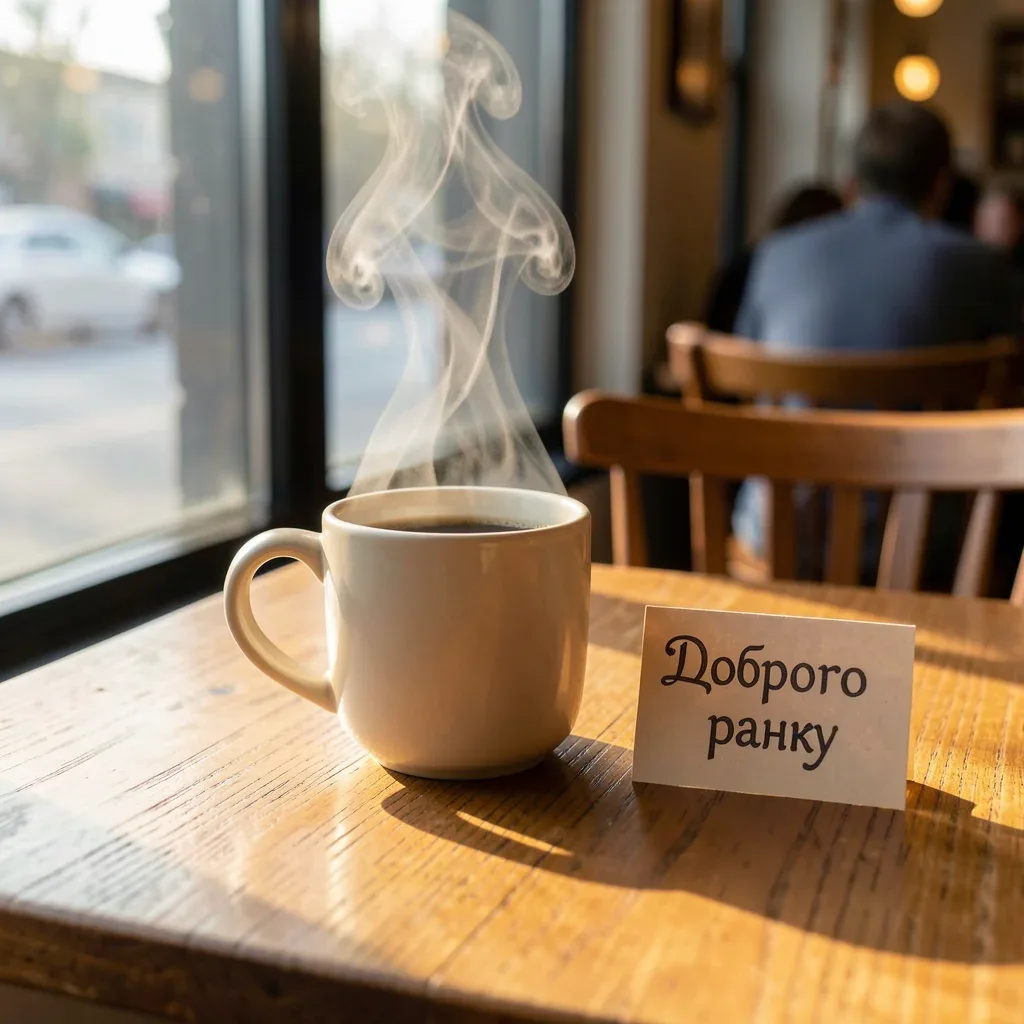
- Non-Latin scripts. Latin lettering is more reliable; other scripts may need extra attempts.
- Trademark checks. Check a generated logo for similarity to existing marks before registering it.
- Production files. For large-format print and brand books, a designer usually finalises the concept.
FAQ
How much does a Recraft V3 image cost?
$0.12 on every plan.
Can I make a logo with Recraft V3?
Yes — it is one of the model’s core use cases, and there is a dedicated Text logo preset.
What is the maximum prompt length?
1,000 characters.
Is Recraft V3 good for photos?
It has photographic presets, but its strength is graphics and type. For photorealism, FLUX.2 Pro is the better fit.
Can I use a reference image?
Yes, one reference image can be added to a request.
Does Recraft V3 handle text in other alphabets?
You can try, but Latin lettering is the most reliable. For Cyrillic or other scripts, plan on more attempts and check every character.
How can I try Recraft V3 online for free?
Sign up for WebTerra AI — the free trial balance covers 5 images.
Recraft V3 is a practical partner for anyone working with brands, type and graphics. Claim your free trial balance, open image generation on WebTerra AI and sketch your first logo concepts today.
Try AI models yourself
Models for video, images and audio in one place — a free trial balance when you sign up
Start for free