Kling 3.0 Turbo Review: Kling 3.0 Motion, Several Times Faster
Kling 3.0 Turbo is a faster Kling 3.0 Pro: the same motion physics, results several times quicker, clips from 3 to 15 seconds. Features, pricing, prompts and comparisons.
Kling 3.0 Turbo is a faster version of Kuaishou's Kling 3.0 Pro video model. It keeps the same motion physics, returns results several times quicker and generates clips from 3 to 15 seconds long. In this Kling 3.0 Turbo review we cover what it does, how to use it online in WebTerra AI, what a clip costs and when a different model makes more sense.
The Kling line is known for realistic motion: people, vehicles, fabric and liquids move believably in the frame. The Turbo version is for people who need that quality but can't afford long waits — social teams with a daily content plan, advertisers testing several creatives, and creators who iterate on a scene before committing to the final take.
In the WebTerra AI catalog the model is tagged "video", "fast" and "portraits". That last tag is deliberate: Kling 3.0 Turbo handles close-ups, facial expression and gaze well.
What Kling 3.0 Turbo can do
- Text to video. Describe a scene and get a clip from scratch.
- Image to video. Upload a photo or a generated frame and the model animates it while keeping the composition.
- Kling 3.0 Pro motion physics. Turbo uses the same motion physics as the full model.
- Speed. Results arrive several times faster than with Kling 3.0 Pro.
- Flexible length. Any duration from 3 to 15 seconds in one-second steps.
- Three aspect ratios. 16:9 for YouTube and websites, 9:16 for Reels and Stories, 1:1 for feeds.
The dashboard default is a 5-second clip in 16:9.
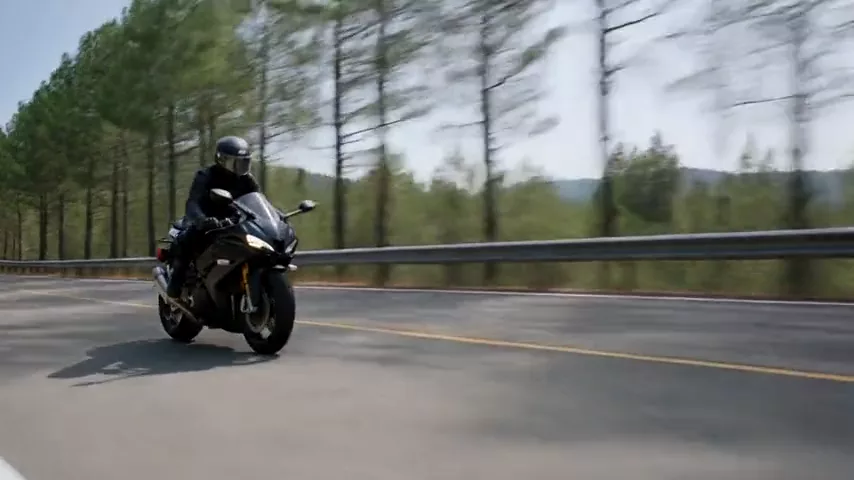
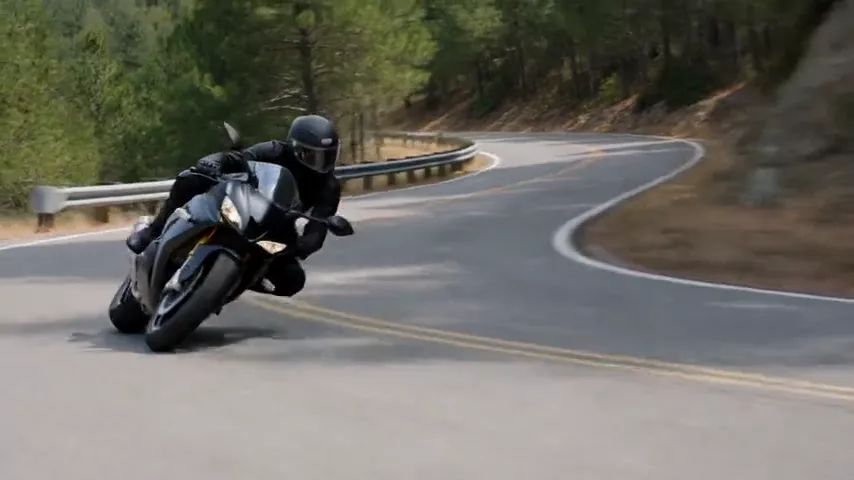
The model's demo shows a motorcyclist leaning into a curve on a mountain road with the camera tracking alongside. It's a good showcase of what Kling does well: fast movement, body lean, sunlight through trees — and no melting objects.
Kling 3.0 Turbo specs
| Parameter | Value |
|---|---|
| Developer | Kuaishou |
| Model type | Video generation |
| Modes | Text to video, image to video |
| Duration | 3 to 15 seconds |
| Aspect ratios | 16:9, 9:16, 1:1 |
| Defaults | 5 seconds, 16:9 |
| Price (3-second clip) | from 61 credits (about $0.71) |
How to use Kling 3.0 Turbo in WebTerra AI
- Sign up for WebTerra AI and top up your credit balance.
- Open the video generator in your dashboard and select Kling 3.0 Turbo.
- Choose a mode: describe the scene in text, or upload a starting image.
- Write the prompt: who's in the frame, what happens, how the camera moves and what the light is like.
- Set the duration (3–15 seconds) and the aspect ratio (16:9, 9:16 or 1:1).
- Generate, review and refine the prompt if needed.
Presets are a quick start: "Cinematic shot", "Product video", "Emotional close-up", "Vertical social video" and others give you a base structure to adapt.
Kling 3.0 Turbo pricing
Price of one generation of the shortest clip — 3 seconds:
| Plan | Credits (3 s) | Price in USD |
|---|---|---|
| Starter | 68 | about $0.87 |
| Pro | 64 | about $0.77 |
| Ultra | 61 | about $0.71 |
Longer clips cost more. To be upfront: the 60 free credits you get at sign-up aren't enough for a Kling 3.0 Turbo clip, even at the minimum length. They're well spent on creating a starting frame in the image generator; for the video itself you'll need to top up. See credit packs and discounts on the pricing page.
To avoid overspending, test ideas at 3–5 seconds and extend the clip only once the prompt is giving you what you want.
Prompt examples for Kling 3.0 Turbo
These prompts are based on the presets and the model's own demo.
1. The demo motorcycle shot
Fast cinematic shot of a motorcycle rider leaning into a curve on a mountain road, camera tracking alongside, sunlight through the trees, no text, no captions, no watermark
The prompt behind the demo clip: fast motion, a tracking camera and natural light. A good stress test for motion physics.
2. Product video
Slow 360-degree orbit around a luxury wristwatch on a black velvet stand, soft studio lighting, reflections gliding across the glass, macro detail, no text
An ad clip for a marketplace or social media; the slow orbit shows off materials.
3. Emotional close-up
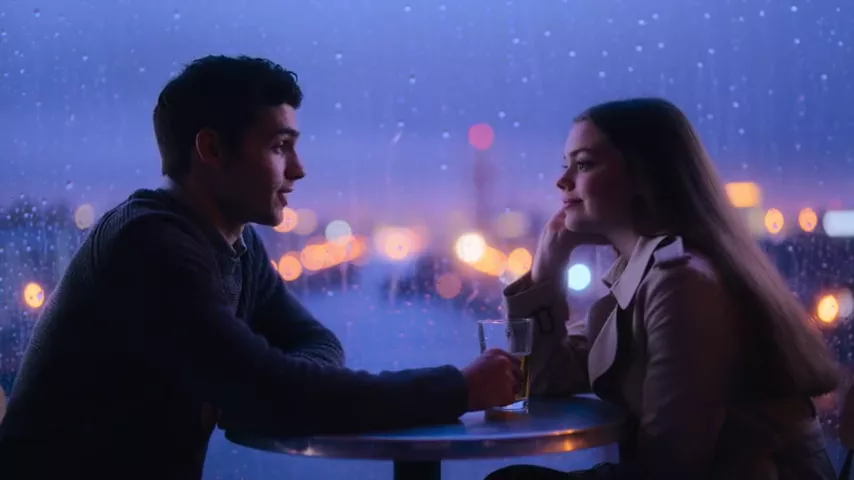
Close-up of a young woman at a train window, rain streaks on the glass, she slowly turns her head and smiles softly, warm interior light, shallow depth of field
Expression and gaze — where the "portraits" tag earns its place.
4. Vertical social video
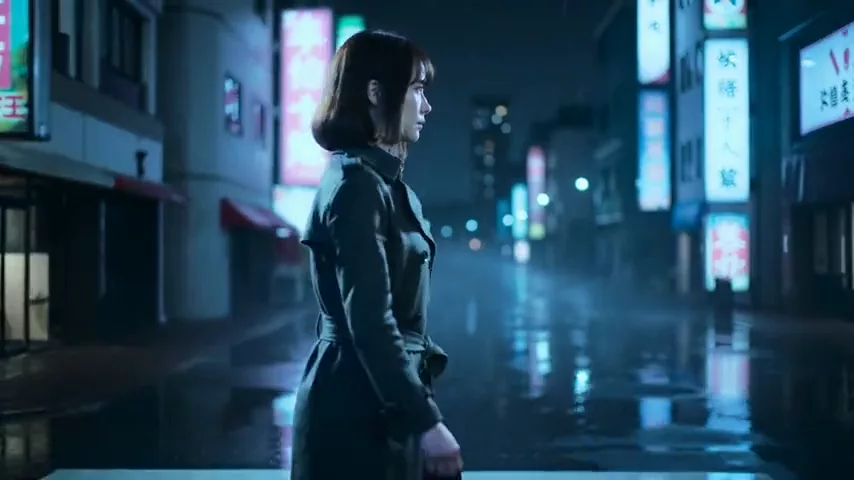
Vertical POV video walking through a busy night market, neon signs, steam from food stalls, handheld camera feel, vibrant colors
9:16 with a handheld feel for short, punchy content.
5. Food close-up
Macro shot of melted chocolate being poured over a stack of pancakes, slow motion, golden morning light, steam rising, appetizing
A mouth-watering clip for a menu or a café's Stories.
6. Sports slow motion
Slow motion shot of a basketball player jumping for a dunk, sweat drops in the air, arena lights, dramatic low angle
A dynamic moment where believable body physics matters.
7. Nature time-lapse
Time-lapse of storm clouds rolling over a wheat field at sunset, wind moving through the stalks in waves, dramatic golden light, wide static shot, no text
A static camera with moving clouds and grain makes an atmospheric cutaway.
8. Sci-fi scene
Sci-fi scene of a lone astronaut walking across a red desert planet, two moons on the horizon, dust swirling around the boots, slow tracking shot from behind, cinematic film quality
Fantasy or sci-fi in film quality for teasers, music videos and concepts.
Tips for writing Kling 3.0 Turbo prompts
Subject, action, camera, light
Start with who's in the frame, then the action, the camera move and the lighting. That order gives the model a clear script for a few seconds of footage.
One action per clip
In 3–15 seconds, one strong action reads better than three events in a row. Split complex stories into several short clips and cut them together.
Describe the camera
"Camera tracking alongside", "slow dolly in", "orbit around", "handheld" — these words shape the clip's energy more than almost anything else.
For image to video, describe only the motion
When you already have a starting frame, don't re-describe it. Just say what should move and how.
Add "no text, no watermark"
The model's demo prompt ends that way. It keeps random lettering and logos out of the frame.
Pick the format before you generate
Reframing 16:9 into 9:16 throws away most of the picture. If the clip is for Reels, generate it vertical from the start.
Workflow: from starting frame to finished clip
Image to video gives the most predictable results: you control the composition and the model only handles motion. Here's a simple process in WebTerra AI.
- Starting frame. Generate an image in the matching format — 16:9, 9:16 or 1:1. Your free credits are perfect for this step.
- Short test. Upload the frame to Kling 3.0 Turbo and run a 3-second clip to check the motion.
- Refine. If the movement is off, adjust the action or camera description. Turbo's speed makes these iterations painless.
- Final length. Once you're happy, render at the length you need — up to 15 seconds.
- Sound. Add music or effects with the sound-for-video models, for example a soundtrack that follows your edit.
Turbo or the full model?
If you're exploring ideas, testing angles or producing content daily, Turbo saves time on every iteration. If the clip is final and speed doesn't matter, compare against the full Kling 3.0. A practical pattern: find the scene in Turbo, then decide whether the polished prompt deserves a render in the full version.
Use cases
- Social media teams. Quick clips for daily content in vertical and square formats.
- Advertising and marketplaces. Product videos and fast testing of multiple creatives.
- Restaurants and cafés. Appetizing food clips for menus and social.
- Vloggers. POV shots, cutaways and atmospheric inserts.
- Music video makers and animators. Scene prototypes before a final render.
- Sports and events. Dynamic moments in slow motion.
Kling 3.0 Turbo vs other video models
| Model | Focus | Pick it when |
|---|---|---|
| Kling 3.0 Turbo | Kling 3.0 motion, fast, 3–15 s | You need quality motion and quick turnaround |
| Kling 3.0 | Top motion quality | A final clip where speed isn't critical |
| Kling 2.5 Turbo Pro | Up to 10 s, realistic | The previous Turbo generation for short clips |
| Wan 2.7 | Open source, affordable | Tight budget, or you need first and last frames |
| Veo 3.1 | 4K, with sound | You need maximum resolution and audio |
If speed isn't the priority and you want the best possible final clip, read the Kling 3.0 review. The previous fast generation is covered in the Kling 2.5 Turbo Pro review. On a tight budget, or when you need to set both the first and the last frame, look at Wan 2.7. For 4K with sound, see Veo 3.1. Kling 3.0 Turbo sits in the sweet spot: the full model's motion without the wait.

All video models are in the AI video section and share one credit balance, so testing an idea across several models is easy.
Limitations
- Three aspect ratios. Only 16:9, 9:16 and 1:1; for 4:3 or 3:4 you'll need another model.
- No first/last frame control. You can provide a starting image, but not a target end frame.
- 15 seconds max. Longer stories have to be assembled from several clips.
- Free credits won't cover a clip. The shortest clip starts at 61 credits, so testing requires a top-up.
FAQ
How much does a Kling 3.0 Turbo video cost?
A 3-second clip costs 68 credits on Starter (about $0.87), 64 on Pro (about $0.77) and 61 on Ultra (about $0.71). Longer clips cost more.
How is Kling 3.0 Turbo different from Kling 3.0 Pro?
Turbo uses the same motion physics but delivers results several times faster.
What durations can I choose?
Anything from 3 to 15 seconds in one-second steps. The default is 5 seconds.
Can it animate a photo?
Yes. Use image-to-video mode: upload a frame and describe how it should move.
Which aspect ratios are supported?
16:9, 9:16 and 1:1.
Which plan makes sense for regular video work?
The per-clip price drops from Starter to Ultra — from 68 to 61 credits for a 3-second clip. If you generate video every week, the larger plans pay off quickly, especially since iterating on a scene usually takes several runs.
Are the free credits enough to try it?
No — 60 credits is less than the cheapest clip. Use them for a starting frame in the image generator and top up for the video.
Kling 3.0 Turbo is the pick when you want Kling-quality motion without the wait. Create a WebTerra AI account, prepare a starting frame and make your first clip online today.
Try AI models yourself
Models for video, images and audio in one place — 60 credits free when you sign up
Start for free