Ideogram V4 Review: AI for Ads, Posters and Typography
Ideogram V4 is the fourth generation of the model known for text in images. We cover banners, posters, logos and infographics, pricing, ready-made prompts and how it compares with other models.
Ideogram V4 is the fourth generation of the model from Ideogram, a team that made its name on image generation with legible text. In this Ideogram V4 review we look at how the model handles lettering in layouts, which styles it does well, what an online generation costs and how to write prompts for banners, posters and ad creatives.
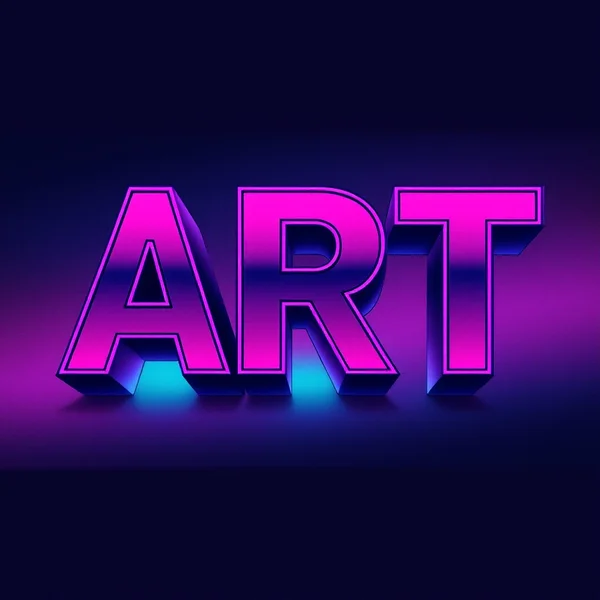
What sets Ideogram apart from many image generators is its focus on typography. Where other models often turn words into strings of letter-like shapes, Ideogram aims for text you can actually read. With the fourth version, the developer promises even more accurate text in layouts and richer styles.
The model is a good fit for marketers, social media managers, designers, small business owners and anyone who regularly makes banners, covers, posters and ad creatives. At around two cents per image, you can explore plenty of options without worrying about the budget.
What Ideogram V4 can do
- Accurate text in layouts. Lettering on banners, posters and covers is the model’s core specialty.
- Rich styles. From minimalist graphics and retro posters to photorealistic scenes and cinematic portraits.
- Text logos. The “Text logo” preset is built for legible lettering in a mark.
- Diagrams and infographics. Clear labeled diagrams have their own preset in the dashboard.
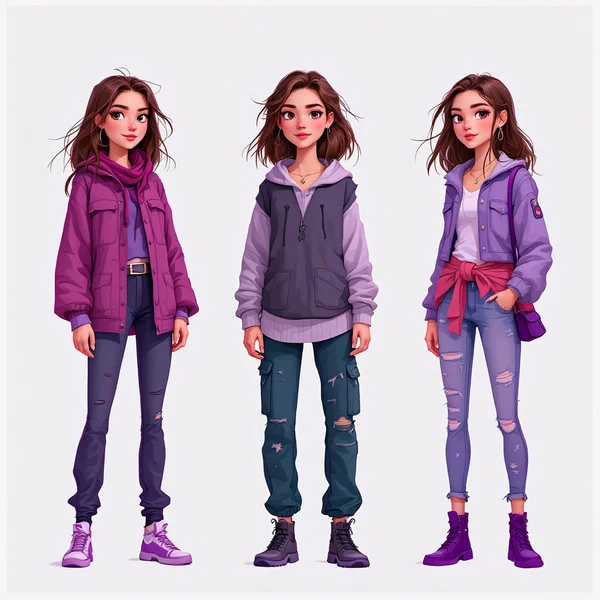
- Classic photo scenarios. Portraits, product shots, landscapes, food, interiors and fashion; the model is not limited to typography.
- Balanced rendering mode. By default the model uses the Balanced mode, a compromise between speed and quality.
Ideogram V4 specs
| Parameter | Value |
|---|---|
| Developer | Ideogram |
| Type | Image generation |
| Input | Text |
| Reference images | up to 1 |
| Default rendering mode | Balanced |
| Size used for pricing | 1024×1024 |
| Price per image | 2 credits (about $0.02) |
How to use Ideogram V4 in WebTerra AI
- Sign up for WebTerra AI and get 60 free credits.
- Open the image generator in your dashboard and choose Ideogram V4.
- Pick a preset: poster with text, logo, infographic, social media creative or another one.
- Write your prompt. Put the text that should appear in the image in quotation marks.
- Check the cost and start the generation.
- Check the lettering in the result carefully: spelling and every single letter.
- Download the best version, or refine the prompt and run it again.
Other image models are collected on the AI image generation page.
Ideogram V4 pricing
Ideogram V4 is one of the most affordable models in the catalog. Here is the price of one 1024×1024 image with default settings:
| Plan | Credits | Price in USD |
|---|---|---|
| Starter | 2 | about $0.026 |
| Pro | 2 | about $0.024 |
| Ultra | 2 | about $0.023 |
The 60 free credits you get at sign-up cover 30 Ideogram V4 images. For a model where it often takes a few attempts to get the lettering perfect, that is a real advantage: you can experiment freely. Plans for regular use are on the pricing page.
Ideogram V4 prompt examples
Write prompts in English so the model reads your description as precisely as possible. Put the lettering in quotation marks.
Poster with text
Retro travel poster with the text "CARPATHIANS" in bold art deco letters at the top, misty mountain ridges, pine forests, warm sunset palette, flat vintage illustration style
A stylish poster with a large headline.
Text logo
Minimal logo for a coffee shop called "Morning Bean", clean sans-serif lettering, a simple coffee bean icon, black on white, vector style, centered
A mark with a legible brand name.
Sale banner
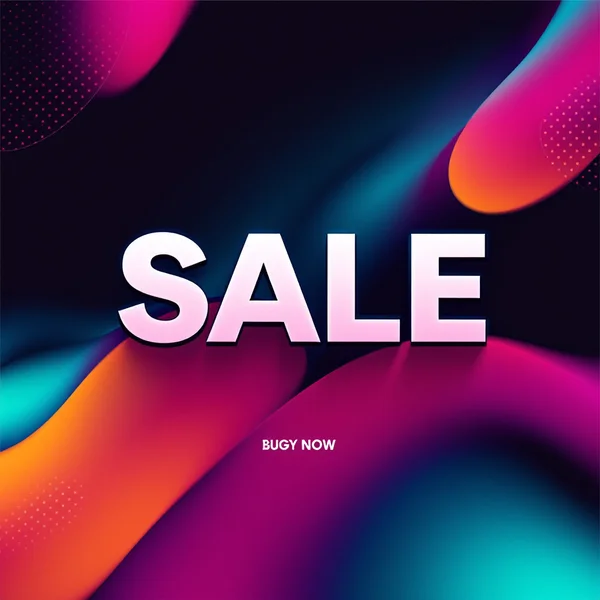
Social media banner with the headline "SUMMER SALE -30%" in large white bold letters, bright coral background, tropical leaves, sunglasses and a beach bag, modern ad design
A bold creative for a post or a Story.
Infographic
Clean infographic diagram titled "How Coffee Is Made", four labeled steps: "Harvest", "Dry", "Roast", "Brew", simple icons connected by arrows, flat design, pastel colors
A clear labeled diagram for a blog or a presentation.
Podcast cover
Podcast cover art with the title "Startup Talks" in bold modern typography, abstract geometric shapes, deep blue and neon green, square format, high contrast
A square cover with the show name.
Cafe menu
Chalkboard style cafe menu with the heading "TODAY" in hand-drawn white letters, sketches of a croissant and a latte, cozy rustic mood, top-down view
A cozy chalkboard menu for Stories or a shop window.
Event poster
Concert poster with the text "JAZZ NIGHT" in large golden retro letters, silhouette of a double bass player, dark navy background with stage lights, elegant vintage design
A poster with a big headline, ready for you to add the date and venue.
Cinematic portrait
Cinematic portrait of a jazz musician holding a saxophone in a smoky club, warm spotlight, deep shadows, film grain, moody atmosphere
An atmospheric photo with no text; the model handles that too.
A prompt formula for text layouts
To avoid writing every prompt from scratch, use a five-part template. It works for banners, posters, covers and most ad creatives.
- Format and type. “Social media banner”, “A3 poster”, “book cover”, “YouTube thumbnail”.
- Lettering in quotes. “with the headline "…"”, kept short, up to four words.
- Typography and placement. “bold condensed sans-serif, centered at the top”.
- Visual content. What is shown: a product, a character, a landscape, an abstraction.
- Style and palette. “flat illustration, pastel colors”, “photorealistic, moody lighting”, “Swiss design, red and black”.
A full example: “Book cover with the title "THE QUIET RIVER" in elegant serif letters centered at the top, a lone boat on a misty river at dawn, soft watercolor style, muted blue and grey palette”. Each part controls one aspect, so if the result misses, it is easy to see which part to change.
Tips for writing Ideogram V4 prompts
Put text in quotes
Separate the lettering clearly from the scene description: “the text "OPEN DAILY"”. That way the model knows exactly what to write and what is only describing the image.
Shorter text, more accurate result
A two-to-four-word headline comes out more reliably than a paragraph. Add long copy in a graphics editor on top of the generated background.
Specify placement and font
“At the top”, “centered”, “bottom left corner”: tell the model where the text goes. Describe the letterforms: “bold sans-serif”, “handwritten script”, “art deco”, “retro serif”.
Double-check non-Latin scripts
If the lettering is in a language with a different alphabet, check every character. For important layouts it is safer to generate a background with free space and add the text in an editor.
Describe the hierarchy
For an ad banner, say what matters most: a big headline, a smaller subheading, a button or a price. The model builds a better composition when it understands the priorities.
Leave room
If the image is going into a layout, add “empty space on the right for text” to get a background that is easy to build on.
Workflow for an ad creative
- Brief. Define the key message (up to four words), the brand colors and the platform format.
- Draft batch. Generate 5–10 variants in different styles; at about two cents each, it costs almost nothing.
- Shortlist. Pick 2–3 variants with the best composition and clean lettering.
- Refine. Tighten the prompt for the chosen direction: colors, font, placement.
- Finish. Check the text, then add small print, the logo and contact details in an editor if needed.
This lets you test several creative ideas quickly before launching a campaign.
Who Ideogram V4 is for
- Marketers and media buyers. Banners, ad creatives, visual A/B tests.
- Social media managers. Posts with headlines, announcements, quote cards.
- Small businesses. Flyers, menus, signs, cards and logo ideas.
- Authors and publishers. Book covers, podcast art, YouTube thumbnails.
- Event organizers. Posters for concerts, conferences and parties.
- Education. Diagrams and infographics for lessons and presentations.
Ideogram V4 vs other models
| Model | Focus | When to choose it |
|---|---|---|
| Ideogram V4 | Ads and typography | Banners, posters and logos with lettering |
| Ideogram V3 | Posters and flyers | The previous generation for the same tasks |
| Nano Banana 2 | 4K, text in images | When you need 4K resolution together with text |
| Recraft V3 | Vector graphics | For vector illustrations and icons |
| FLUX.2 Pro | Photorealism, portraits | When the goal is a photo without text |
The honest takeaway: Ideogram V4 is the first candidate when an image needs text and the budget is tight. If you already have prompts tuned for the previous version, compare results with Ideogram V3. For 4K layouts, look at Nano Banana 2. For vector graphics and icons, Recraft V3 is the more logical pick, and for photorealistic portraits without lettering, go with FLUX.2 Pro.
Ideogram V4 limitations
- Always check the text. Even the best typography model can get a letter wrong, especially in long lines and non-Latin alphabets.
- Text-driven generation. The main mode is describing the image in words; for targeted edits of a finished image, use editing models.
- Not vector output. You get a raster image, so a logo for professional use will need vectorizing.
- Small text. Fine print and long paragraphs are more reliable when added by hand.
Ideogram V4 FAQ
How much does one image cost?
2 credits, roughly $0.023 to $0.026 depending on your plan.
Can Ideogram V4 write in languages other than English?
Check the result carefully. For important layouts it is safer to generate the background and add non-English text in an editor.
How is V4 different from V3?
The fourth generation offers even more accurate text in layouts and richer styles.
Can I make a logo?
Yes, there is a “Text logo” preset for that. For professional use, vectorize the result.
How many images do the free credits cover?
60 credits cover 30 Ideogram V4 images.
Is it good for photos without text?
Yes. The presets include portraits, product shots, food, interiors and fashion.
Which rendering mode is used by default?
Balanced, a middle ground between generation speed and quality. The 2-credit price applies to this mode.
Ideogram V4 is a practical tool for anyone who makes visuals with lettering: banners, posters, covers and logos. At around two cents per image, you can explore ideas without limits. Open Ideogram V4 in your WebTerra AI dashboard and create your first ad creative.
Try AI models yourself
Models for video, images and audio in one place — 60 credits free when you sign up
Start for free