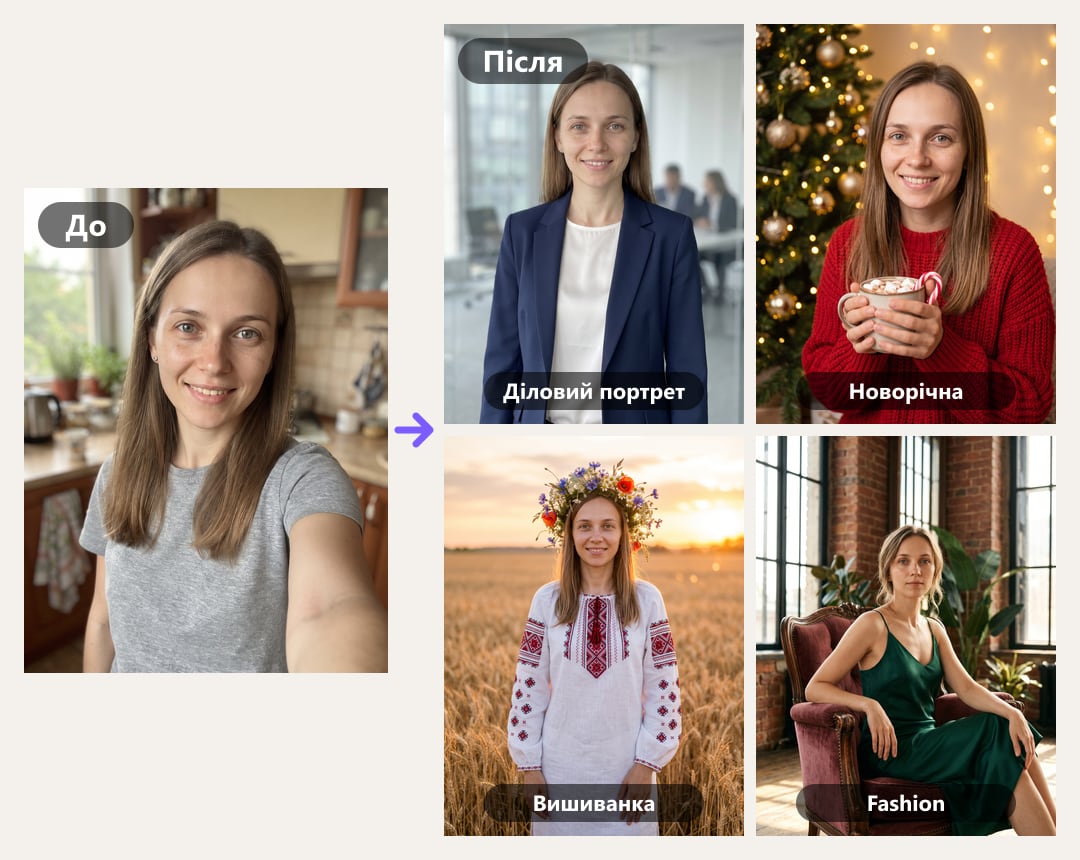
How to Choose the Right AI Model: A WebTerra AI Cheat Sheet
The WebTerra AI cheat sheet: which model to pick for photos, edits, video, voiceover and music, how to weigh price against quality and when a more expensive model really pays off.
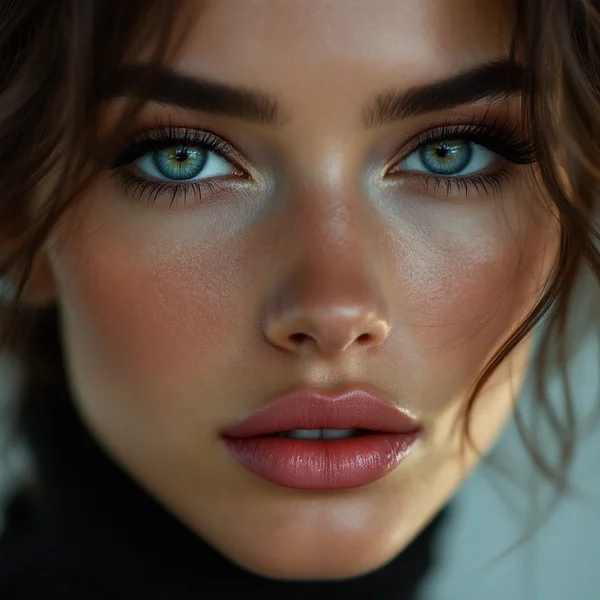
How to choose an AI model is the question everyone asks the first time they open a catalog with dozens of options. It feels like the most expensive model must be the best and the newest one is always the right call. In practice, the best model for a banner draft costs $0.01, while a cheap model for a portrait video can end up costing more because of a dozen failed takes.
We at WebTerra AI put together a cheat sheet: a task-to-model table, an explanation of how price relates to quality and simple rules for when it is worth paying more. Keep it handy — it will save you both time and money.
Three questions before you pick a model
- What goes in? Text only, your photo, several references or a finished video. Not every model accepts everything: Nano Banana Pro, for example, works from your image, while Ideogram V4 generates from text.
- What comes out, and where will it be used? A draft for discussion, a social post, print, an ad. This defines the quality and resolution you need.
- What matters most? On-image text, an accurate face, realistic motion, character consistency, price. Each priority has its own model.
Cheat sheet: task to model
| Task | Model | Price |
|---|---|---|
| Drafts and idea hunting | Z-Image Turbo, FLUX Schnell | from $0.01 |
| All-round images, photo and artistic styles | FLUX.2 Pro | from $0.09 |
| Banner, poster, on-image text | Ideogram V4 | from $0.04 |
| Complex layout from a long description | GPT Image 2 | from $0.24 |
| Complex edits of your photo, face preservation, up to 4K | Nano Banana Pro | from $0.30 |
| Remove a background | Remove Background | from $0.02 |
| Upscale to 4K | Topaz Upscaler | from $0.33 |
| Budget video from text or a photo | Hailuo 02, Veo 3.1 Lite | from $0.50 |
| Portraits and smooth motion in video | Kling 3.0 | from $0.93 |
| Best physics, sound, up to 4K | Veo 3.1 | from $4.17 |
| Voiceover in many languages | ElevenLabs Multilingual, ElevenLabs v3 | from $0.03 per 100 characters |
| Instrumental music | Lyria 3 Pro | from $0.52 per 30 s |
| Talking avatar | Kling Avatar 2.0 | from $0.27 |
Prices are for the default settings on each model card. You always see the exact cost before you run a generation; plans are on the pricing page.
Images: how to choose
FLUX.2 Pro — the starting point
If you do not know where to begin, begin with FLUX.2 Pro: photorealistic images, portraits and artistic styles, prompt-based editing with up to four references, from $0.09. For most social media and blog tasks, that is enough.
Nano Banana Pro — when preserving matters
Nano Banana Pro’s biggest strength is working from your image: it preserves faces, handles complex edits and outputs up to 4K. It is worth paying more when you need to change the background or details on a photo of a person or product without ruining the main subject. More in our Nano Banana Pro review.
Ideogram V4 and GPT Image 2 — when there is text in the image
A banner, a poster, a cover or a slide with a headline is a separate task. Ideogram V4 is built for typography and ad layouts and starts from $0.04, so it is the first model to test. GPT Image 2 costs more but understands long, complex descriptions better and renders text and diagrams neatly — use it for layouts with many elements where exact placement matters. Either way, check every letter before you publish.
Video: how to choose
Kling 3.0 — portraits and motion
The latest Kling brings improved physics, smooth motion and the best portraits in the line-up. Clips run from 3 to 15 seconds in 16:9, 9:16 or 1:1, with first and last frame support. A strong choice for animating a photo of a person. See our Kling 3.0 review.
Veo 3.1 — when you need the maximum
Google’s flagship: up to 4K, synchronized audio out of the box, best-in-class physics and motion. Clips are 4, 6 or 8 seconds long. Use it for final ad videos and key scenes rather than first experiments. Details in our Veo 3.1 review.
Real faces
If a real person from a photo appears in the frame, pick Veo 3.1 or Kling 3.0. Seedance 2.0 may reject photos with real faces, and Seedance 2.5 sometimes does.
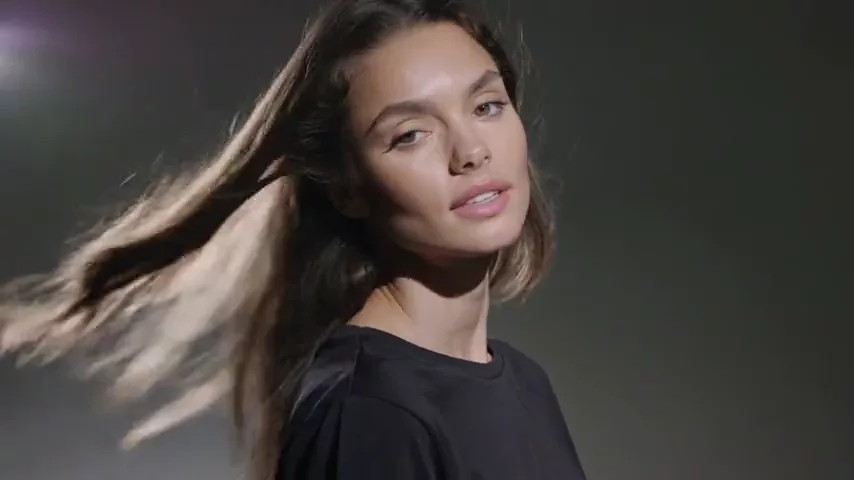
Price versus quality: when to pay for a pricier model
A more expensive model is justified when:
- the result goes into an ad or a sale and every detail is visible;
- the cheaper model keeps failing after three or four attempts with a refined prompt;
- you need a specific capability: 4K, synchronized sound, face preservation, a long scene;
- retakes cost more than quality. If a cheap video works on the fifth try and an expensive one on the first, the expensive one may be the better deal.
A cheaper model is the right choice when:
- you are looking for an idea, composition or mood;
- you are making lots of variations to choose from;
- the result is for internal discussion.
Testing models without wasting money
- Find the idea cheaply. Make the first five to ten variations on a budget model.
- Lock your prompt. Once a description works, save it.
- Compare on one prompt. The same text in two or three models shows the difference more honestly than any description.
- For video, start short. Minimum length and lower resolution first, then the final version.
- Check your input. If a model accepts a photo, a key frame often beats text.
Ready-to-use prompts for comparing models
Run one prompt across several models — it is the fastest way to feel the difference.
Photorealism test (FLUX.2 Pro versus a budget model):
Portrait of a young woman in a cozy cafe by the window, natural daylight, soft bokeh, realistic photo, 50mm lens
Text test (Ideogram V4 versus GPT Image 2):
Minimalist poster for a jazz evening, deep blue background, large title text "JAZZ NIGHT", smaller text "Friday 8 PM", elegant serif typography
Photo edit test (Nano Banana Pro):
Keep the person from the reference unchanged, replace the background with a sunny seaside promenade, match the lighting naturally
Video test (Kling 3.0 versus Veo 3.1, same photo as input):
The person slowly turns to the camera and smiles, gentle breeze moves the hair, soft natural light, subtle handheld camera movement
Common mistakes
- Choosing a model only by price or only by how new it is.
- Drawing conclusions after one generation.
- Jumping straight to 4K video before the scene is found.
- Feeding real face photos to Seedance 2.x with no backup plan.
- Expecting precise poster text from a budget model.
- Not checking the price on the model card before running.
FAQ
Which model is the best overall?
There is no single best model for everything — only the best one for a task: text — Ideogram V4, photo edits — Nano Banana Pro, video physics — Veo 3.1, portrait video — Kling 3.0.
Which model should a beginner start with?
For images, FLUX.2 Pro in image generation; for video, a budget model in video generation.
Do I get my money back if a generation fails?
Yes, the money for a failed generation is refunded to your balance automatically. If you simply do not like the result, that is not a failure — which is why idea hunting belongs on cheaper models.
Try it in WebTerra AI
Take one of your tasks, pick two models from the table and run the same prompt in both. Every model is in one WebTerra AI dashboard.
Try AI models yourself
Models for video, images and audio in one place — a free trial balance when you sign up
Start for free