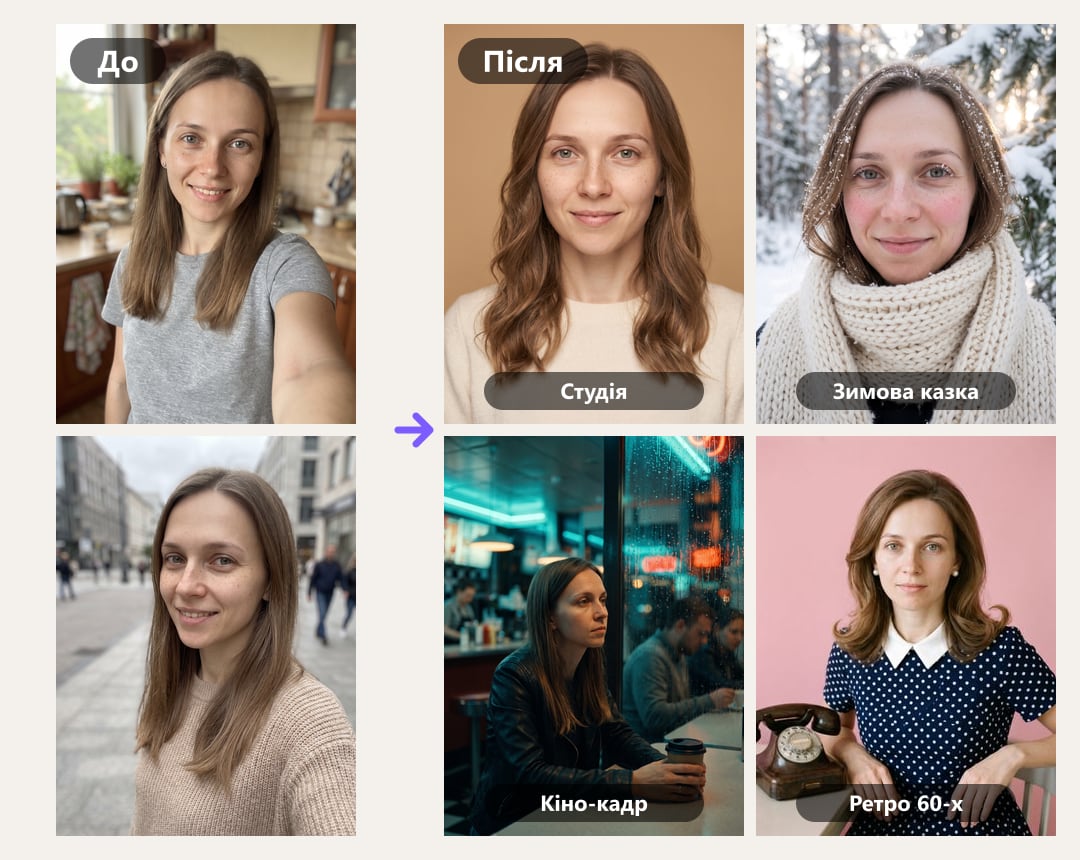
One Character Across Every Shot: Keeping Your Hero Consistent
Blonde in shot one, brunette in shot two, a different person by shot three? Here’s how to keep your character recognizable across a whole series of images and videos.
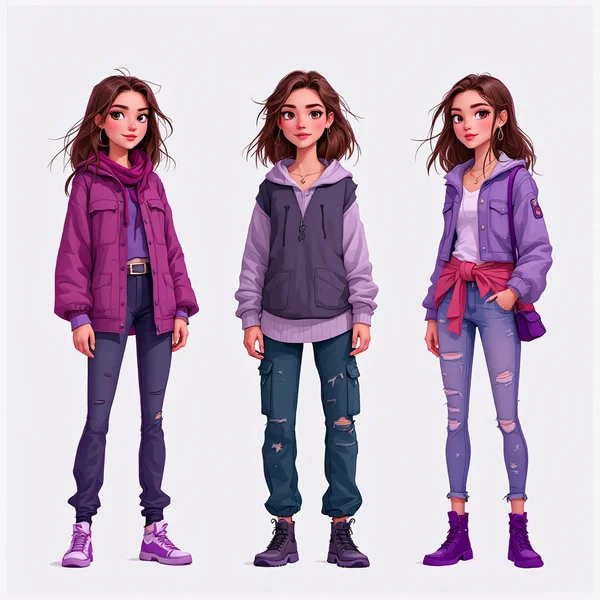
You’ve generated a great hero for a comic or an ad campaign. Next frame — a different nose, a different haircut, seemingly a different age. It’s the most common problem with serial AI content. In this guide, we at WebTerra AI show you how to keep a consistent character across images: from a written character passport to dedicated models that hold a look based on a reference.
Why does it happen at all? Every generation starts from random noise, and the model reinvents the person from your description each time. “A young woman with red hair” fits millions of faces. To keep your hero the same, you either describe them very precisely or show the model what they look like.
We’ll cover both approaches, plus how to carry your character into video and build a series for a comic or an ad.
Step 1. Write a character passport
A passport is a fixed text description you paste unchanged into every prompt. It doesn’t guarantee a perfect match, but it dramatically reduces variation.
What goes into the passport
- Age and build: “woman in her late 20s, slim build”.
- Face: shape, eyes, brows, distinctive features — “round face, green eyes, freckles across the nose”.
- Hair: color, length, style — “shoulder-length copper hair with straight bangs”.
- Signature outfit: “mustard yellow raincoat, white sneakers”.
- A marker detail: something recognizable — glasses, a scarf, a mole, an earring.
The marker detail helps a lot: even if the face varies slightly, viewers recognize the hero by the yellow raincoat and round glasses.
Passport rules
- Always the same text, in the same word order.
- Passport first, scene after.
- Avoid contradicting details in the scene: if the passport says raincoat, don’t write “in a dress on the beach” unless you need to.
Step 2. Create a reference image
Generate 5–10 variations from the passport and pick the best. That’s your master reference for the whole series. The ideal reference: face to camera, even lighting, neutral background, hair and outfit clearly visible.
Seedream 4.5 is a good choice here: it pays attention to fine detail and supports reference-based editing.
A character sheet: several angles
One front-facing reference is good; three or four angles are better. Upload the reference to an editing model and ask for the same character in profile, three-quarter view and full length. Check that every passport feature matches, and save them together. That’s your character sheet, just like in animation studios — and for video, these angles become ready-made references.
Step 3. Use models that hold a likeness
Once you have a reference, text becomes secondary and the reference does the heavy lifting.
| Model | What it does | Price |
|---|---|---|
| Ideogram Character | Keeps the look of the person in your photo and places them in any scene, style and outfit | from $0.30 |
| Nano Banana Pro | Face-preserving edits, complex changes, up to 5 references | from $0.30 |
| Seedream 4.5 | Generation and editing from references, precise detail | from $0.11 |
| Kling O3 Pro | Video from references (up to 7 images), scenes up to 15 s with sound | from $1.16 |
Ideogram Character — the main tool
Ideogram Character is built for exactly this. Upload your reference, describe a new scene, outfit or style, and the model places the same person in it. It’s the most reliable way to build a series around one hero.
Nano Banana Pro — for complex scenes
When you need to change pose, setting and lighting at once, Nano Banana Pro handles it while preserving the face. You can add several references: the face reference, a clothing photo, a location example.
Step 4. Bring your hero into video
Kling O3 Pro has a reference-to-video mode: add up to 7 images of your character and describe the action. The model generates a scene of up to 15 seconds with synchronized sound and keeps the character’s look from the references. More in our Kling O3 Pro review.
Tip: give the model references from different angles — front, three-quarter, profile. It then understands the face in 3D and doesn’t distort it when the head turns. Run it in video generation.
Series for comics and ads
A comic or storyboard
- Outline the story in 4–8 panels, one or two sentences each.
- Write a prompt per panel: passport + action + place + angle.
- Generate in Ideogram Character with the same reference.
- Keep one style: if panel one is “flat comic illustration”, so are the rest.
An ad campaign
A brand mascot should look the same on a banner, in stories and on packaging. Create one reference, get it approved, then generate situations: the hero with the product, in the city, with holiday décor. Store the approved reference separately — you’ll need it for every future campaign.
Ready-to-use prompts
Character passport — paste at the start of every prompt.
Young woman in her late 20s, slim build, round face, green eyes, freckles across the nose, shoulder-length copper hair with straight bangs, round tortoiseshell glasses, mustard yellow raincoat
Reference — for the first generation.
[character passport], front-facing portrait, neutral expression, even soft studio lighting, plain light grey background, full head and shoulders visible
New scene — for Ideogram Character with the reference.
The same woman sitting in a cozy bookstore, reading a book and smiling, warm afternoon light, medium shot
Comic panel
The same woman running through rain in a city street, holding an umbrella that is turning inside out, flat comic illustration, bold outlines, dynamic angle
Video — for Kling O3 Pro with references.
The woman walks into a cafe, takes off her glasses and waves at a friend, camera follows her from behind and then turns to her face
Common mistakes
- A different passport every time. Even small wording changes give you a different person.
- A weak reference. A face in shadow or in profile gives the model incomplete information.
- Mixed styles. Photo, watercolor and 3D in one series destroy recognizability.
- A real person without consent. Building a series around a friend’s or a celebrity’s face without permission is not okay.
- Expecting perfection. Small differences between frames are normal. Pick the best takes.
FAQ
Can I make a character from my own photo?
Yes — Ideogram Character keeps the look of the person in your photo. Just use your own photos or those of people who have agreed to it.
How many shots can I make with one hero?
As many as you like: the reference doesn’t wear out. But compare new frames against the master reference, not the previous frame, so small deviations don’t pile up.
What if the model keeps changing the face?
Add more references from different angles, simplify the scene and explicitly write “keep the same face”. If a generation fails for technical reasons, the money is refunded to your balance automatically; see pricing for current rates.
Create your hero
Write a passport, generate a reference and make three scenes in Ideogram Character — you’ll watch your hero come alive across a series. New users get a free trial balance, valid for 48 hours. Start from the AI avatars page or open image generation in your WebTerra AI dashboard.
Try AI models yourself
Models for video, images and audio in one place — a free trial balance when you sign up
Start for free