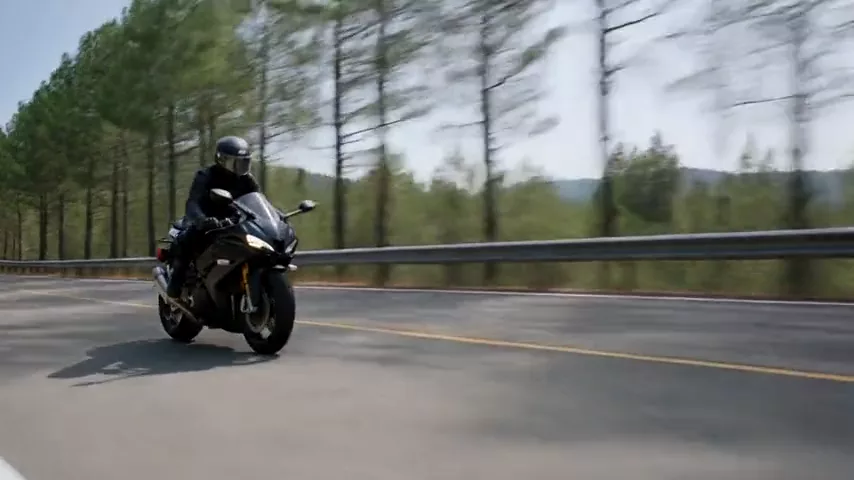
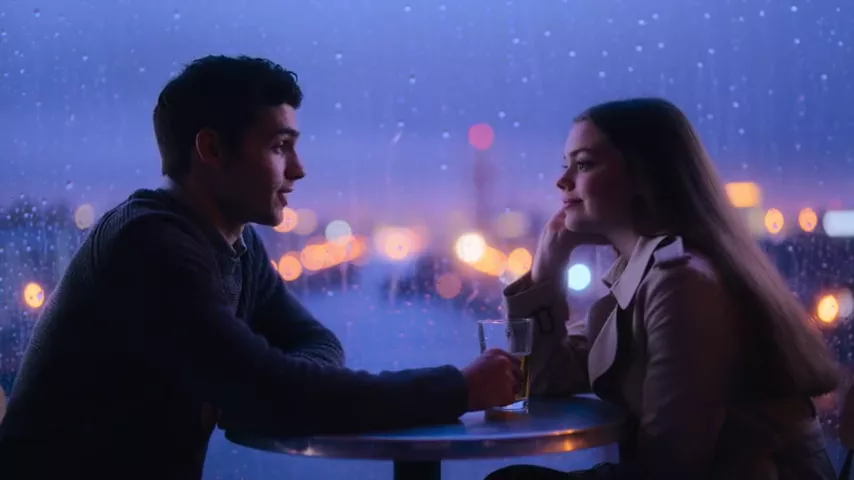
Kling Video to Audio Review: Add Sound to Video from a Prompt
Kuaishou’s model adds sound to clips up to 20 seconds exactly as you describe it: footsteps, rain, city, impacts, ASMR. Fixed price, prompt examples, tips and comparisons.

Kling Video to Audio is a model from Kuaishou — the company behind the Kling video generator — that adds sound to an existing video clip. You upload a short clip with no audio (or a weak soundtrack), describe what should be heard, and get the video back with synchronized sound. In this Kling Video to Audio review we look at how it works, how to use it online in WebTerra AI, what it costs and when another tool is the better pick.
Anyone who generates AI video knows the problem: the picture looks great, but the clip is silent. Searching sound libraries and lining up each effect by hand takes time. Kling Video to Audio does it automatically and exactly the way you describe: footsteps on gravel, rain, city traffic, breaking glass.
One important detail is the fixed price. The cost doesn’t depend on clip length within the limit, which makes the model especially good value for clips that approach the maximum length.
What Kling Video to Audio can do
The model works in video-to-audio mode: a video and a text description of the sound go in, a clip with a soundtrack comes out. Key features from the model card:
- Sound from a prompt. The model scores the clip exactly according to your text — you decide what is heard.
- Clips up to 20 seconds. Ideal for short clips, Reels, ad snippets and scenes from generative video.
- Fixed price. However many seconds the clip runs within the limit, the price stays the same.
- Background music. A separate field lets you describe background music. It is empty by default, so the model generates only scene sounds.
- ASMR mode. A dedicated toggle for detailed, close-to-the-mic sound. Off by default.
What does a fixed price mean in practice? A three-second clip and a twenty-second scene both cost 5 credits. So if you are scoring a series of short fragments, it is cheaper to join neighboring scenes into one clip of up to 20 seconds and score it in a single run than to pay for each piece separately. Your sound budget is easy to plan ahead: number of clips times 5 credits.
The dashboard includes ready-made scenarios to start from: footsteps and movement, nature and weather, city and street, interior and objects, action and impacts, product close-up, kitchen and food, ASMR, vehicles and sports. Each is a description template you can extend with details of your own scene.
Kling Video to Audio specifications
| Parameter | Value |
|---|---|
| Developer | Kuaishou |
| Model type | Sound for video (sound effects) |
| Input | Video-to-audio (video + text prompt) |
| Clip length | Up to 20 seconds |
| Extra options | Background music prompt, ASMR mode |
| Price | 5 credits per clip (about $0.06), regardless of length |
How to use Kling Video to Audio in WebTerra AI
- Sign up for WebTerra AI — 60 free credits are added to your account.
- Open the video sound generator in your dashboard and choose Kling Video to Audio.
- Upload a clip of up to 20 seconds. It can be a video generated by another model or your own footage.
- Describe the sound: what happens on screen and what should be heard. You can start from a ready-made scenario.
- If needed, describe background music in its own field or switch on ASMR mode for macro sound.
- Run the generation, watch the clip with sound and download the result.
Fitting it into an AI video workflow
A typical flow: generate a short clip with a video model that has no built-in audio, then pass it to Kling Video to Audio. That way you choose the video model for picture quality and add sound separately, tailored to your task. If a clip runs longer than 20 seconds, cut it into scenes and score each one — the fixed price keeps the budget predictable.
Learn more about video generation on the AI video page.
Kling Video to Audio pricing
The price is fixed and doesn’t depend on clip length:
| Plan | Credits | Price in USD |
|---|---|---|
| Starter | 5 | about $0.064 |
| Pro | 5 | about $0.060 |
| Ultra | 5 | about $0.058 |
The 60 free credits you get on sign-up cover twelve scored clips. That is enough to try different scenarios — footsteps, nature, city, product close-up and ASMR — and see how the model handles your videos. More details are on the WebTerra AI pricing page.
Kling Video to Audio prompt examples
Write descriptions in English. Name specific sound sources and surface materials — it makes the result more precise.
Footsteps and movement
Footsteps of a woman in leather boots walking on wet cobblestones, soft rustle of a wool coat, distant echo in a narrow old street.
Footsteps, clothing rustle and room acoustics — classic foley for a character scene.
Nature and weather
Steady rain falling on forest leaves, occasional heavier drops from branches, distant rolling thunder, a light wind through the trees.
Background ambience for a landscape shot.
Product close-up
Close-up unboxing: cardboard box opening, crisp tissue paper rustling, a soft click as the lid of a premium watch case snaps shut.
Unboxing for an ad: small sounds make the clip feel tangible.
Kitchen and food
Sizzling steak on a hot cast-iron pan, oil crackling, a knife chopping herbs on a wooden board, quiet kitchen ambience.
Mouth-watering sound for a food clip or menu video.
Action and impacts
A glass bottle shatters on concrete, sharp impact followed by scattering shards, a fast whoosh as the camera moves.
Impacts and whooshes for a dynamic edit.
ASMR with background music
Sound: slow brushing of soft makeup brushes on a microphone, gentle tapping on a glass jar. Background music: calm lo-fi beat, very quiet.
Turn on ASMR mode and put the music description in its own field.
Tips for describing sound in Kling Video to Audio
Describe the source, the material and the space
“Footsteps” is generic. “Footsteps of heavy boots on a wooden floor in an empty hall” is specific: you have named the source (boots), the material (wood) and the space (an empty, echoing hall). These three details do the most for realism.
List sounds by importance
Start with the main sound of the scene, then secondary ones, and end with the background. This tells the model what belongs up front and what should sit quietly behind.
Describe what is on screen
The model works from the video, so a description that matches the on-screen action gives the best sync. Sounds whose sources aren’t visible are best kept as a light background.
Keep music separate
Background music has its own field. Don’t mix it into the effects description — both parts come out cleaner. If you don’t need music, leave the field empty.
Use ASMR only for macro scenes
ASMR mode boosts fine detail. It suits close-ups, unboxing, cosmetics and food, but for wide city or nature shots it is better left off.
Other scenarios and what to add to them
- City and street: time of day, traffic density, whether there is a road, a tram, people chatting in the background.
- Interior and objects: room size, floor material and the exact action — a door closing, dishes clinking, someone typing.
- Vehicles: engine type, speed, whether the car, train or plane is approaching or moving away.
- Sports: the sport, the surface (parquet, grass, asphalt), ball hits, breathing, squeaking sneakers.
Pre-flight checklist
- The clip is no longer than 20 seconds.
- The description names the main sound source, material and space.
- Background music is in its own field, or the field is empty.
- ASMR mode is on only for macro scenes.
Who Kling Video to Audio is for
- AI video creators. Scoring clips from video models that generate pictures without sound.
- Social media and Reels. Short clips that feel flat without audio.
- Advertising and e-commerce. Unboxing, clicks and fabric sounds for product videos.
- Food bloggers and restaurants. Sizzling, chopping, pouring coffee.
- ASMR content. Detailed macro sound for the format.
- Video editors. Quick foley for rough cuts and animatics.
Kling Video to Audio vs. alternatives
| Model | Feature | Choose it when |
|---|---|---|
| Kling Video to Audio | Sound from a prompt, up to 20 s, fixed price | Short clips, precise control via the description |
| Mirelo SFX 1.6 | Synced SFX up to 60 s | The clip is longer than 20 seconds |
| Hunyuan Video Foley | Cinematic foley | You want a film-style result |
| MMAudio V2 | Sound for video from a prompt | An alternative to compare results |
| Cassette Video SFX | The cheapest option | Minimal budget for large volumes |
Mirelo SFX 1.6 handles clips up to 60 seconds — the logical choice if you don’t want to cut a long video into parts. Kling wins on short clips thanks to its fixed price.
Hunyuan Video Foley is positioned as a cinematic foley model. For narrative scenes, compare both on the same clip.
MMAudio V2 also generates sound for video from a prompt — useful as a second option if Kling’s take misses the mark. Cassette Video SFX is the cheapest tool in the category when budget matters more than control.
Limitations of Kling Video to Audio
- Up to 20 seconds. Longer clips must be split or handled by a model with a higher limit.
- Video input required. The model doesn’t create standalone sound without a clip — other models handle standalone sound effects.
- Not for speech. It focuses on effects, ambience and background music, not on narrating text.
- Depends on the description. A vague prompt gives vague sound; sometimes you need to refine the text and run again.
Kling Video to Audio FAQ
What does Kling Video to Audio do?
It adds sound to a short video based on your text description: effects, ambience and, optionally, background music.
How much does scoring a clip cost?
5 credits per clip on any plan — about six cents. The price doesn’t depend on clip length.
What is the maximum video length?
Up to 20 seconds. Cut longer videos into scenes or use a model with a higher limit.
Can I add background music?
Yes, there is a separate field for a music description. Leave it empty and the model generates scene sounds only.
What is ASMR mode?
A toggle for detailed sound that feels recorded right up against the microphone. It suits close-ups and macro scenes.
Is there a free trial?
Yes, every new account gets 60 credits — enough for twelve scored clips.
Kling Video to Audio is an easy way to turn a silent clip into a living scene: you describe the sound, the model syncs it to the picture, and the price doesn’t grow with clip length. Try Kling Video to Audio in WebTerra AI — the free credits cover a dozen clips.
Try AI models yourself
Models for video, images and audio in one place — 60 credits free when you sign up
Start for free