Hailuo 2.3 Pro Review: 1080p AI Video Generator by MiniMax
Hailuo 2.3 Pro from MiniMax generates six-second 1080p clips with better detail and facial expressions than Standard, and it can animate photos. Review, pricing and prompts.
Hailuo 2.3 Pro is a video generator from MiniMax and the 1080p version of Hailuo 2.3. In this Hailuo 2.3 Pro review we cover how to create video online from a text prompt or a photo, what one clip costs, how to write prompts that bring out expressive faces and clean detail, and which models to compare it with before you choose.
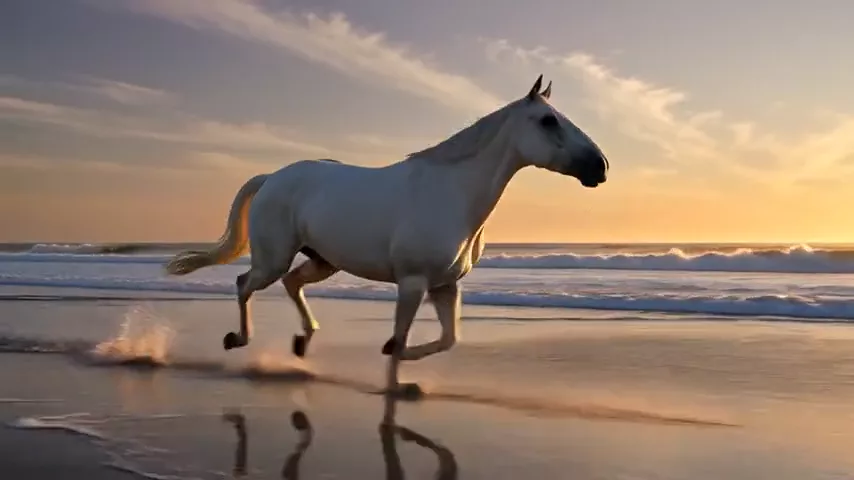
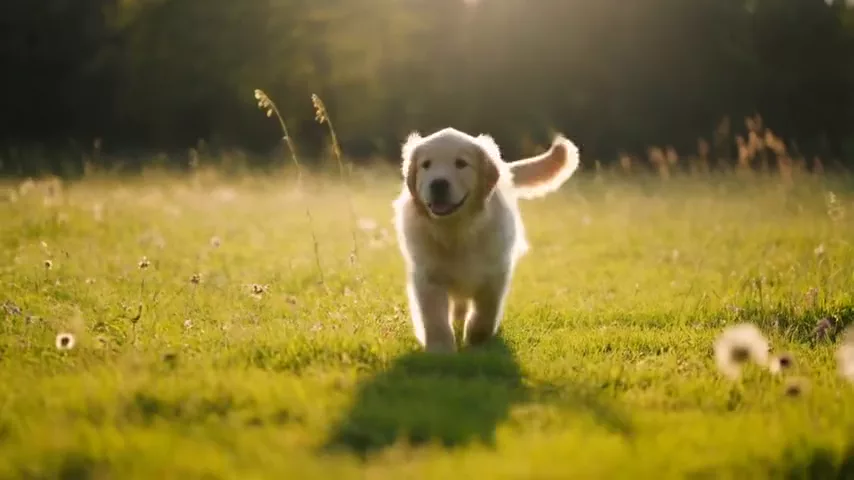
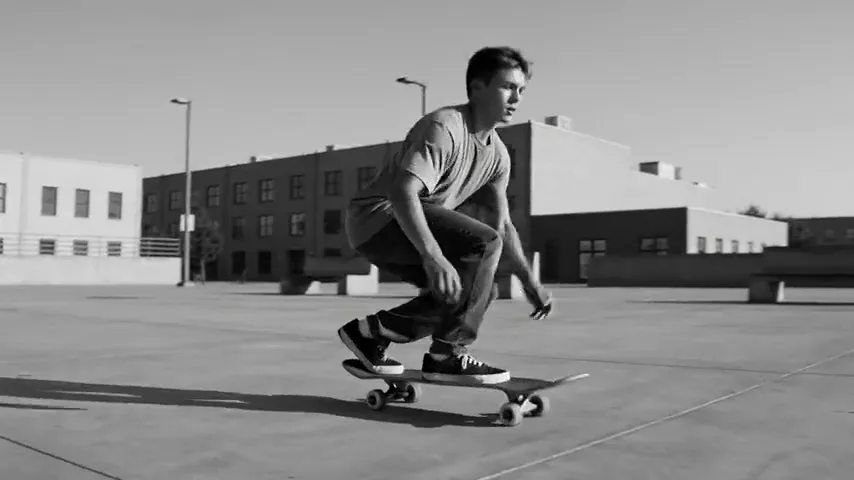
The Hailuo lineup is known for realistic motion and its ability to convey characters’ emotions. The Pro version goes a step further: it renders in 1080p and delivers better detail and facial expressions than Standard. Every generation is a six-second clip — enough for an ad shot, an eye-catching Reels opener, a product video or a scene for a music video.
The model works in two modes: it creates video from scratch based on text, or it animates an uploaded photo. The second option is especially handy for brands and creators: take an existing shot of a product, an interior or a character and bring it to life.
What Hailuo 2.3 Pro can do
- Text-to-video. A clip from a text description — scene, motion, light, camera.
- Image-to-video. Photo animation: the model uses your image as the starting frame and continues it with motion.
- 1080p. A crisp picture suitable for ads, websites and social media.
- Detail and expressions. Compared with the Standard version, Pro renders fine detail and facial expressions better.
- Prompt optimizer. On by default: the model automatically expands a short description to make the scene richer.
- Long prompts. Up to 2,000 characters per description — plenty of room for detailed direction.
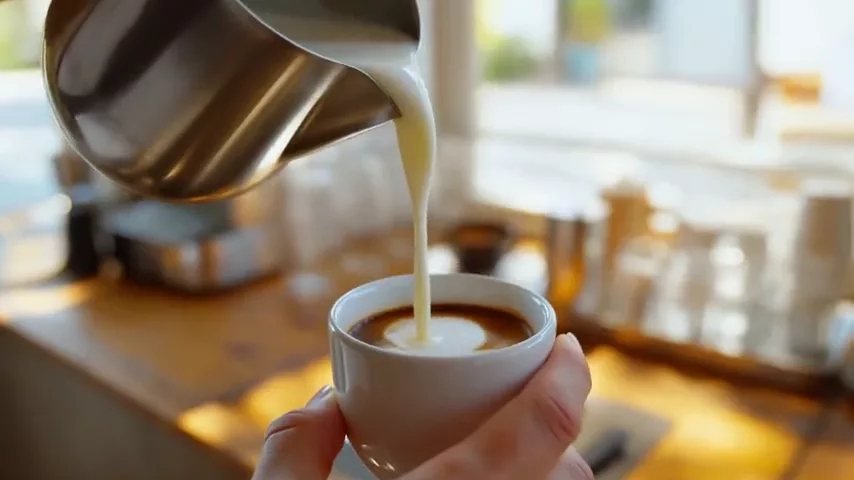
The model’s demo clip shows its strengths well: a close-up of a barista pouring latte art, milk swirling into the coffee, warm morning light. In a scene like this, the small movements of liquid, the textures and the light all matter — exactly what the Pro version is built for.
The dashboard offers presets for the model: cinematic shot, product video, nature and time-lapse, photo animation, first-person vlog, food close-up, fantasy scene, sports slow motion and interior walkthrough.
Hailuo 2.3 Pro specs
| Parameter | Value |
|---|---|
| Developer | MiniMax |
| Model type | Video generation |
| Input modes | Text, image-to-video |
| Duration | 6 seconds |
| Resolution | 1080p |
| Prompt limit | 2,000 characters |
| Prompt optimizer | On by default |
| Price | From 71 credits per 6-second clip (about $0.82–1.01) |
How to use Hailuo 2.3 Pro in WebTerra AI
- Sign up for WebTerra AI and top up your credits on the pricing page.
- Open the video generator in your dashboard and select Hailuo 2.3 Pro.
- Choose a mode: a text description, or a photo upload to animate.
- Write your prompt in English, up to 2,000 characters. Describe the subject, the motion and the camera.
- Decide whether to keep the prompt optimizer on. It helps with short descriptions; for precise direction you can switch it off.
- Check the cost in the dashboard and start the generation.
- Watch the clip. If the motion is wrong, refine the verbs and camera moves rather than the style.
All video models, from budget to premium, are listed on the AI video generation page.
Hailuo 2.3 Pro pricing
The cost of one six-second 1080p clip on each plan:
| Plan | Credits | Cost in USD |
|---|---|---|
| Starter | 79 | about $1.01 |
| Pro | 75 | about $0.90 |
| Ultra | 71 | about $0.82 |
Worth knowing: the 60 free credits you receive on sign-up are not enough for a single Hailuo 2.3 Pro clip. They are best used to get to know the platform on cheaper models — for example, to generate a starting frame for image-to-video — while the clip itself requires a top-up. Plan and credit pack details are on the WebTerra AI pricing page.
Prompt examples for Hailuo 2.3 Pro
Write prompts in English for the most accurate results. Ending with “no text, no captions, no watermark” keeps stray lettering out of the frame. The examples below are based on the presets and the demo clip.
Demo: latte art
The prompt used for the model’s demo clip:
Close-up of a barista pouring latte art in a bright cafe, milk swirling into the coffee, 1080p clarity, warm morning light, no text, no captions, no watermark
Cinematic shot
Cinematic close-up of an elderly fisherman looking at the stormy sea, wind moving his grey hair, his eyes slowly filling with emotion, overcast light, slow push-in camera, no text, no watermark
Product video
Slow orbit around a glass bottle of cold brew coffee on a wet stone surface, condensation drops sliding down, soft studio light, premium commercial look, no text, no watermark
Animate a photo
In image-to-video mode, describe the motion rather than what is already in the photo:
The woman slowly turns her head toward the camera and smiles, wind gently moves her hair, curtains sway in the background, subtle camera push-in
Food close-up
Macro shot of melted cheese stretching as a slice of pizza is lifted, steam rising, warm restaurant light, shallow depth of field, no text, no watermark
Interior walkthrough
Smooth gimbal walkthrough of a bright Scandinavian apartment, from the hallway into the living room with large windows, morning sunlight, real estate video style, no text
Sports slow motion
Slow motion of a tennis player hitting a powerful serve, sweat drops flying, ball compressing on the racket strings, stadium lights, dramatic low angle, no text, no watermark
First-person vlog
Handheld POV shot walking through a busy night market in Asia, colorful lanterns, steam from food stalls, people passing by, natural phone camera look, no text

Tips for prompting Hailuo 2.3 Pro
Six seconds, one action
Six seconds comfortably fit one clear action: a head turn, a pour of coffee, a camera move. Squeeze several events into one clip and each will feel rushed. Build complex stories from several generations in the edit.
Show emotion through action
Facial expression is a Pro strength. Instead of an abstract “sad man”, describe what the face does: “his eyes slowly fill with tears”, “a faint smile appears”. That gives the model a concrete cue to animate.
Direct the camera
“Slow push-in”, “orbit”, “tracking shot”, “handheld POV” — the camera shapes the mood as much as the subject. One clear camera instruction beats several conflicting ones.
Use the optimizer for short prompts
With a short prompt, the optimizer helps produce a richer scene. If you have carefully written every detail and want the model to stick to your text, try switching it off.
Start image-to-video with a good photo
The model continues your starting frame, so its quality directly affects the result. Use a sharp, well-lit photo without heavy compression.
Keep a consistent look across clips
If several clips will end up in one video, reuse the same block of style words in every prompt — lighting, color palette, lens and mood. Changing only the action and the camera between generations makes the final edit feel like a single shoot rather than a collage.
Iterate on motion, not on style
When a clip misses, the cause is usually the motion description. Rewrite the verbs, slow the action down or simplify the camera move before you touch the visual style. Small changes in how you describe movement often make the biggest difference.
Use cases: who Hailuo 2.3 Pro is for
- Advertising and e-commerce — 1080p product clips for marketplaces, websites and paid social.
- Social media and Reels — punchy six-second clips that stop the scroll.
- Restaurants and cafes — mouth-watering food and drink videos for menus and social feeds.
- Real estate and interior design — short walkthroughs of spaces.
- Music video and short film makers — emotional close-ups and atmospheric scenes.
- Brands with existing photos — bringing current shots to life without a new shoot.
Building a longer video from six-second clips
For a 20–30 second ad, think in shots, the way a film crew does. Plan a storyboard of four or five shots: wide, medium, close-up, detail and a final product shot. Generate each one separately with the same description of lighting, color and style, so the clips look like parts of one shoot. Image-to-video helps with transitions: take a frame close to the end of the previous clip and use it as the start of the next one. Add music, voice and sound effects in the edit.
Hailuo 2.3 Pro compared with other models
| Model | Strength | When to choose it |
|---|---|---|
| Hailuo 2.3 Pro | 1080p, detail and facial expressions | Short expressive clips, photo animation |
| Hailuo 02 | Fast photo-to-video | When you need a quick, simpler result |
| Kling 2.5 Turbo Pro | Up to 10 s, realistic | When six seconds are not enough |
| Veo 3.1 | 4K, with sound | Premium clips with built-in audio |
| Seedance 2.0 | Audio and multi-scene | Several shots and synced sound in one generation |
Hailuo 2.3 Pro shines when you need a detailed six-second shot with lively expressions in 1080p. For longer clips, read our Kling 2.5 Turbo Pro review. For video with built-in sound, look at Veo 3.1 or Seedance 2.0, which also handles multi-scene clips. And for quick photo animation within the same family, there is Hailuo 02.

Limitations
- Fixed 6-second duration. Longer scenes have to be assembled from several generations.
- No audio listed. The model card does not include sound generation; add audio separately, for example with a foley model such as Hunyuan Video Foley.
- 2,000-character prompt limit. Plenty for a detailed scene, but not for a script with many events.
- Free credits do not cover a clip. You need to top up for your first generation.
- One starting frame. Image-to-video works with a single source image.
FAQ
How much does Hailuo 2.3 Pro cost?
A six-second 1080p clip costs 71–79 credits depending on your plan, roughly $0.82–1.01.
How long are the videos?
Six seconds per generation.
How is Pro different from Standard?
Pro renders in 1080p and handles detail and facial expressions better.
Can I animate my own photo?
Yes, in image-to-video mode. Upload an image and describe how it should move.
What does the prompt optimizer do?
It automatically expands your description to make the scene more expressive. It is on by default and can be turned off for precise direction.
How do I keep random text out of the frame?
Add “no text, no captions, no watermark” at the end of your prompt, just like the model’s demo prompt does.
Hailuo 2.3 Pro is a strong pick for short, detailed 1080p clips with lively expressions: ads, Reels, food content and bringing existing photos to life. Open the video generator in WebTerra AI and create your first six-second clip.
Try AI models yourself
Models for video, images and audio in one place — 60 credits free when you sign up
Start for free