Ad Creatives with AI: Testing Hypotheses Fast
How to produce a dozen ad creatives with AI in one evening, frame proper hypotheses for A/B tests, prepare feed and Stories formats, and get clean headline text on banners.

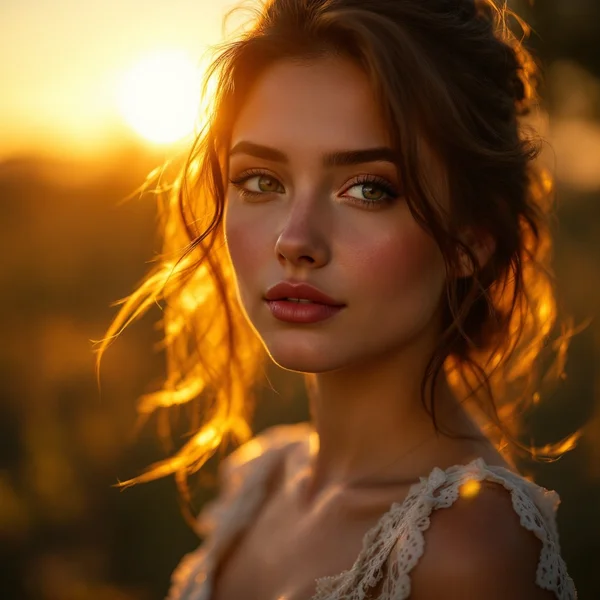
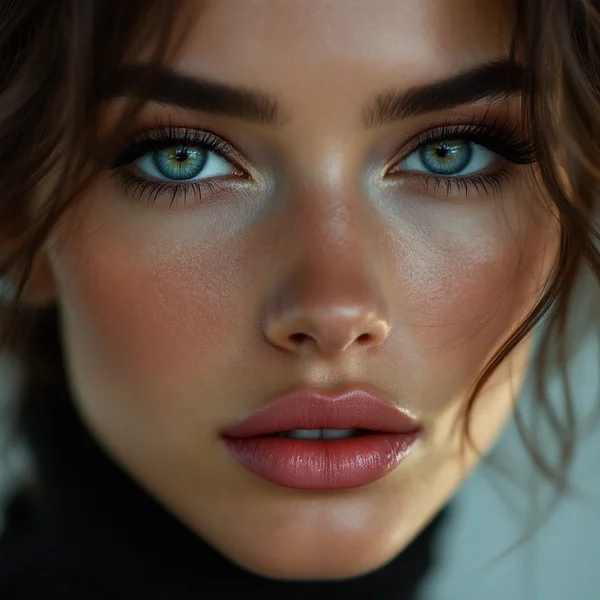
Ad creatives with AI change how testing works. When every new banner meant a designer brief and a few days of waiting, most teams tested two or three ideas a month and argued about which version looked nicer. When a variation takes minutes, you can stop testing taste and start testing ideas: a different offer, a different background, a different face in the frame.
We at WebTerra AI put together the workflow our customers use for paid social and display campaigns. You will learn how to frame a hypothesis, which models to use for headline text and which for photos and video, how to prepare formats for feeds and Stories, and how to avoid burning budget on chaotic tests.
Hypothesis first, generation second
The classic mistake is generating "something nice" and launching everything at once. A creative is a test of one idea. Write it as a plain sentence: "If we show the product in someone's hands instead of on white, click-through will go up." Then your variations differ only in that one variable, and the result actually tells you something.
What's worth testing
- Offer. A percentage discount versus a free gift with purchase.
- Visual anchor. Product close-up, product in a scene, person using the product.
- Background color. Loud and contrasting versus calm and light.
- Headline. Benefit ("Save an hour a day") versus pain ("Tired of...?").
- Format. Static banner versus a short video.
One rule: change one thing per pair. Otherwise you will never know what made the difference.
Which models to use for ad creatives with AI
Your WebTerra AI dashboard has dozens of models, but four cover most advertising work.
| Task | Model | Why | From |
|---|---|---|---|
| Banner with text | Ideogram V4 | Accurate text in layouts, rich styles | $0.04 |
| Complex scene from a long brief | GPT Image 2 | Understands long prompts, clean text, edits photos | $0.24 |
| Variations of your own photo | Nano Banana Pro | Complex edits, preserves faces, up to 4K | $0.30 |
| Video creative | Kling 3.0 | Smooth motion, 3 to 15 s, 9:16 and 1:1 | $0.93 |
Ideogram V4 for banners with text
Ideogram V4 is built for banners, covers and ad creatives, and it renders text in layouts more accurately than most models. It is also the cheapest way to produce ten headline variations, from $0.04 per image.
GPT Image 2 for complex scenes
When a creative has many moving parts, such as a product, a character, a headline and a specific layout, reach for GPT Image 2. It handles long, detailed prompts well and can edit an uploaded photo using up to 5 references.
Nano Banana Pro for variations of a real photo
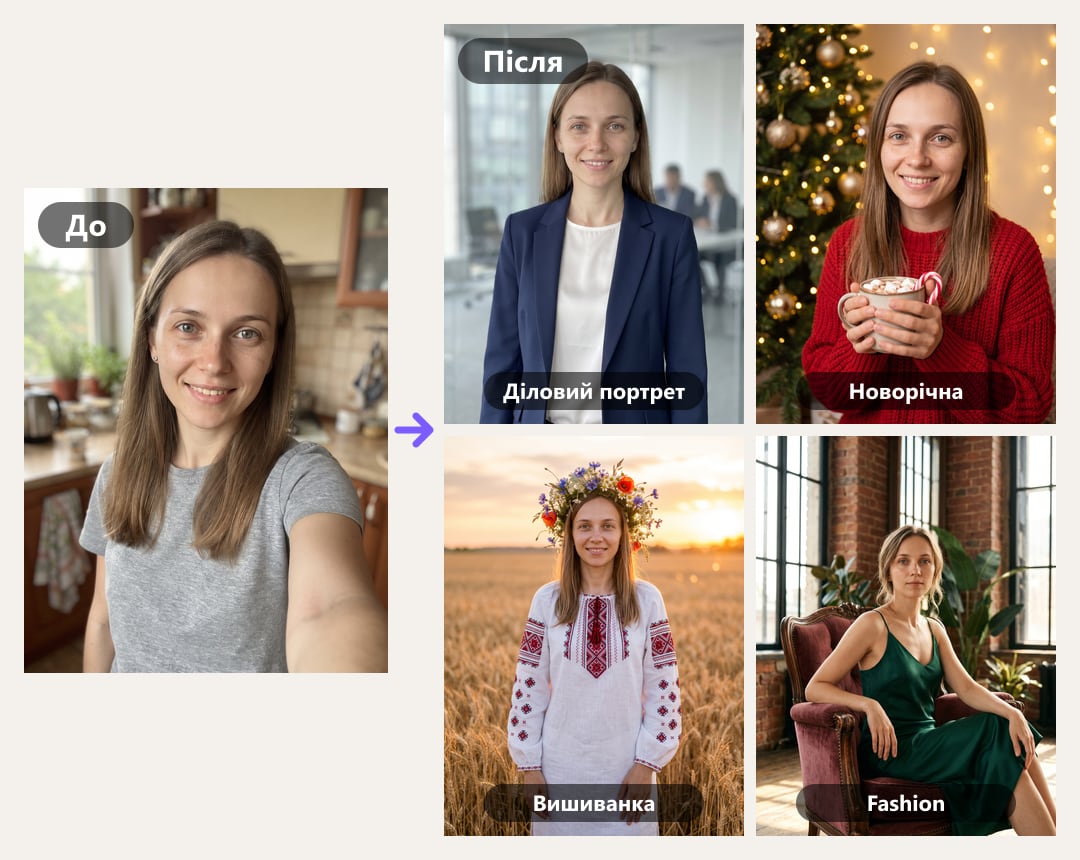
If you already have a strong photo with a person or product and need a series from it, with new backgrounds, seasons or outfits, use Nano Banana Pro. It is Google's top editing model, it preserves faces and works at up to 4K.
Headline text without broken letters
Even strong models occasionally slip on letters, especially in long phrases. These habits help:
- Put the exact text in quotes in your prompt: headline text "SALE -30%".
- Keep it short, two to five words. Longer copy belongs in the ad's primary text field, not on the image.
- Say where the text goes: "in the top third", "on the empty left side".
- Generate several options and proofread every letter. If a model keeps misspelling, generate the background with empty space and add the text in a regular editor.
- Always double-check prices, dates and legal small print by hand.
Formats for feeds, Stories and display
Ad platforms show creatives across many placements, and one layout rarely fits all of them. Think in three basic shapes: square for feeds, vertical for Stories and Reels, horizontal for display networks. Check the platform's own help center for current sizes and safe zones, since they change over time.
- Generate the main scene with generous empty space around the edges so it is easier to adapt.
- Keep key elements, the product and headline, near the center so Stories UI doesn't cover them.
- For video in Kling 3.0, pick the ratio up front: 9:16 for Stories, 1:1 for feeds, 16:9 for horizontal placements.
Workflow: 12 creatives in one evening
Here is what one evening on a campaign can look like in the image generator:
- Three hypotheses. For example: product close-up, product in a scene, person with the product.
- One base prompt. A fixed description of style, lighting and palette that stays the same across variations.
- Four variations per hypothesis, twelve images in total. On Ideogram V4 that starts at $0.53.
- Cull. Drop anything with text errors or visual artifacts.
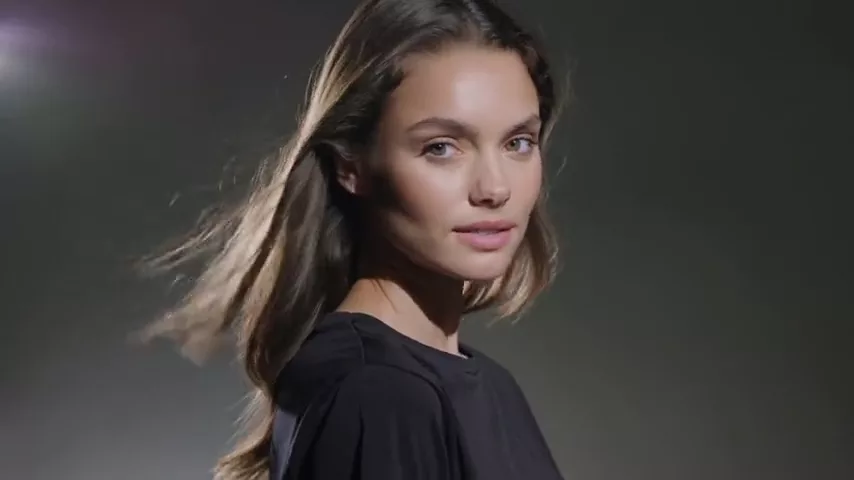
- Video. Animate the best static option in the video generator. Five seconds of motion often beats a still.
- Launch. Equal budget per hypothesis, enough impressions, and only then conclusions.
More scenarios live on our ad creatives page.
Ready-to-use prompts
Replace the headline and product with your own.
Headline banner (Ideogram V4):
Bold advertising banner for a sneaker sale, a single white sneaker floating on a bright coral background, large headline text "SALE -30%" in the top third, clean modern typography, high contrast
Lifestyle creative (GPT Image 2):
A young woman in a cozy kitchen holding a jar of honey towards the camera, morning sunlight, the jar label clearly visible, free space on the right side for text, warm natural colors, advertising photography
Seasonal variation of your photo (Nano Banana Pro):
Keep the person and the product exactly the same, change the background to a snowy winter street with soft holiday lights, match the lighting on the person to the new scene
Video creative (Kling 3.0 from a product photo):
The product slowly rotates on a pedestal, a soft spotlight sweeps across it, subtle particles in the air, smooth cinematic motion
Common mistakes
- Changing background, headline and offer in the same pair, then not knowing what worked.
- Calling a winner after a few dozen impressions.
- Cramming the banner with text that is unreadable on a phone.
- Not proofreading generated headlines.
- Generating the product from scratch instead of using a real photo; buyers notice the difference.
- Using other brands' logos or recognizable people without rights.
FAQ
How many variations per hypothesis?
We like three or four per hypothesis: enough to smooth out randomness without blowing the test budget.
Can I use generated creatives in paid ads?
Files are yours and download without watermarks; commercial use is allowed regardless of your plan. Responsibility for third-party rights and advertising rules stays with the advertiser.
Which model is best at text?
Start with Ideogram V4 for banners and GPT Image 2 for complex compositions with text. Always proofread either way.
How much does it cost?
Images start at $0.02; Kling 3.0 video starts at $0.93. Plans and top-ups are on the pricing page.
Run your first test
Pick one hypothesis you have been meaning to check and build four creatives for it. New users get a free trial balance, enough for a first series. Everything you need is waiting in your WebTerra AI dashboard.
Try AI models yourself
Models for video, images and audio in one place — a free trial balance when you sign up
Start for free