Viral AI Trends: How to Recreate Popular Video Formats
Seen the clip where photos get pinned to a board, or someone flies from orbit straight to their front door? Here's how to recreate these AI trends in minutes and make them your own.
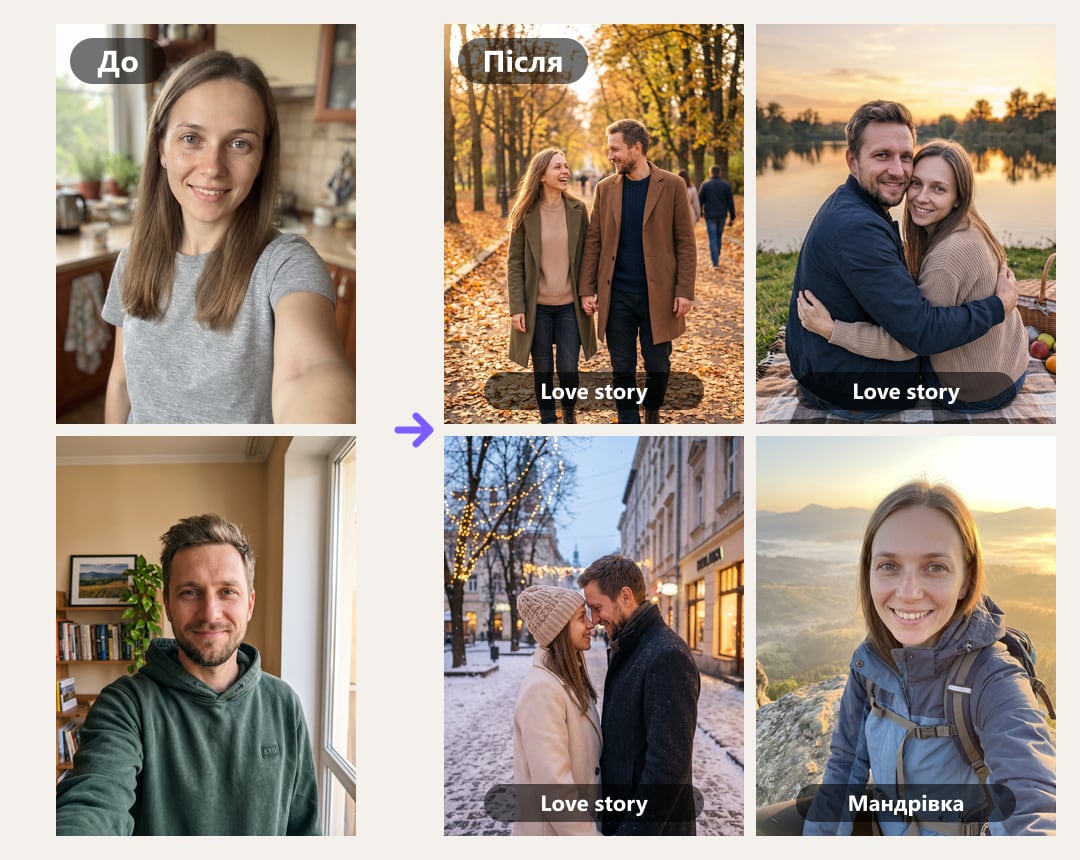
Viral AI trends are recognizable video formats that thousands of people repeat with their own photos: a memory wall, a flight from space, a time freeze, two people from different photos sharing a hug. The power of a trend is that viewers already know the format and are curious to see your take. You don't need to invent the idea from scratch. You just need to execute it well and add your own meaning.
We at WebTerra AI will explain how photo-to-video trends are built, how to recreate them quickly from the Trends section of your dashboard and how to adapt a format to your brand so it works for you instead of becoming one more copy. Honestly, a trend doesn't guarantee views. What it gives you is a proven structure audiences already enjoy.
The anatomy of a trend video
Most photo-to-video trends share the same structure:
- Source photos. One or several: your portrait, a childhood shot, a product photo.
- A recognizable scenario. What happens: the camera flies, an outfit changes, photos come alive.
- A payoff frame. The moment people stay to the end for.
- Sound. A shutter click, a rush of wind, a musical hit.
Recreating a trend means keeping the structure and swapping in your own content.
The Trends section in your dashboard
To spare you from guessing the model, duration and prompt, we've collected ready-made scenarios in the Trends section. Pick a card and you land in the generator with the model, mode, duration, aspect ratio and prompt already set. Each photo slot has a hint telling you exactly what to upload, such as "Main photo — it gets pinned to the board". The prompt stays editable, so you can tweak it before you generate.
Trends available now
| Trend | What happens | What to upload |
|---|---|---|
| Memory wall | Photos flash to shutter clicks, a hand pins the main one to a board | Several moments plus a main photo |
| From space to me | One continuous flight from Earth orbit through clouds and a city to you | Your photo, which the video ends on |
| Time freeze | A clap, and the whole city stops; only you and the camera move | A full-body or waist-up photo |
| Remote portal | Press a remote and drop into other eras | A photo with your face clearly visible |
| Hug | Two people from different photos meet and hug | Two photos |
| Outfit change | Clothing smoothly transforms into a new look | Photos in the first and new outfit |
| Through the years | A face grows up from a childhood photo to today | A childhood photo and a current one |
| Product ad | Your product in an ad: macro shots, a camera orbit, a nice backdrop | A product close-up and a background |
Models for trend videos
Kling 3.0
Kling 3.0 brings improved physics, smooth motion and strong portraits. Its first-and-last-frame mode makes it ideal for transformations like before-and-after or outfit changes. Clips run 3 to 15 seconds, starting at $0.93.
Seedance 2.5
The best character consistency across shots, synchronized sound and up to 30 seconds. Great for story-driven trends and product ads. Note that it sometimes rejects photos with real faces, so for portrait trends Kling 3.0 or Veo 3.1 are more reliable.
Hailuo 2.3
Noticeably better at facial expressions and emotion, which suits trends built on a person's reaction. Clips are 6 or 10 seconds, starting at $0.52.
PixVerse V6
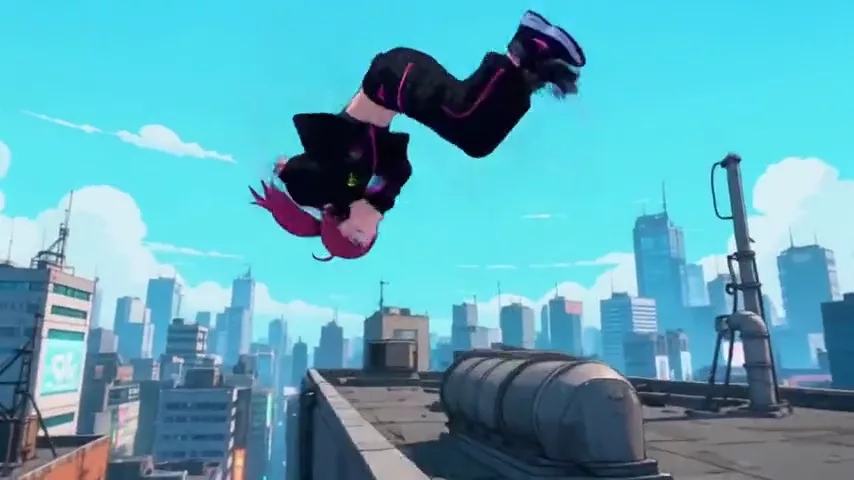
PixVerse V6 specializes in stylization: anime, 3D animation, comics, cyberpunk, claymation. It's affordable social video, starting at $0.37, and a great way to give a trend your own unusual twist. It supports many aspect ratios, including 9:16.
Adapting a trend to your brand
Copying a trend one-to-one is the weakest option. It works much better when the format carries your message:
- A coffee shop: "From space to me" ends at your storefront, with a barista holding a cup.
- A clothing store: "Outfit change" shows a basic look turning into an evening one.
- A photographer or studio: a "Memory wall" of the season's best shots.
- An online shop: a "Product ad" with macro shots and a camera orbit for your product page.
- A company with history: "Through the years" featuring the founder, only with their consent.
Add a signature element: your colour, a logo in the final frame, a caption or a catchphrase. That way viewers remember you, not just the trend.
Stylization as a differentiator
If everyone is doing a trend realistically, do yours in anime or claymation with PixVerse V6. The same scenario in an unexpected aesthetic stands out in the feed.
The ethics of trends with people
- Use photos of people only with their consent, especially for "Hug" and "Through the years".
- Be careful with children's photos: use only your own or those you have parents' permission for.
- Trends featuring people who have passed away are deeply personal. Publish only if you're sure the family is comfortable with it.
- Don't use celebrity faces or other people's characters.
- Label videos as AI-made according to your platform's rules.
Ready-to-use prompts
If you want to build your own trend beyond the ready-made cards, here are a few starting points.
Anime transformation (PixVerse V6):
Anime style, vertical 9:16, a girl in a school uniform spins around and her outfit transforms into a glowing magical warrior costume, sparkles and petals, dynamic camera
An emotional reaction (Hailuo 2.3):
A young man opens a gift box, his face changes from curiosity to pure joy, warm living room light, handheld camera, realistic
Product orbit (Seedance 2.5):
Vertical 9:16, macro shot of a perfume bottle on a marble pedestal, camera slowly orbits around it, golden light rays, soft shimmering sound, luxury commercial style
A claymation city (PixVerse V6):
Claymation style, a tiny clay city wakes up in the morning, little clay cars start moving, sun rises behind clay hills, playful stop-motion feel
Common mistakes
- Wrong photos in the slots, such as a blurry face where a sharp one is needed.
- No adaptation, so your video is one more copy among thousands.
- Arriving late, when audiences are already tired of the trend.
- Using other people's photos without consent.
- Relying on one model for every trend. Emotion, stylization and storytelling each have a better fit.
- No signature element, so viewers can't tell whose video it was.
FAQ
How fast can I recreate a trend?
With the Trends section, in a few minutes: pick a card, upload photos into the labelled slots and start the generation.
Can I change a trend's settings?
Yes. Once you open the generator you'll see the model, prompt and parameters, and you can adjust the prompt to your idea.
Which model is cheapest for trends?
In this lineup, PixVerse V6, starting at $0.37. See the pricing page for plans.
Can I use a trend for advertising?
Yes, and it's one of the best ways to do it: viewers recognize the format while you show off your product. Find more ideas on the social media content page.
Try it in WebTerra AI
Open Trends, choose a scenario that fits your brand and make your own version today. Every model is in your WebTerra AI dashboard.
Try AI models yourself
Models for video, images and audio in one place — a free trial balance when you sign up
Start for free