Animate a photo online: how it works
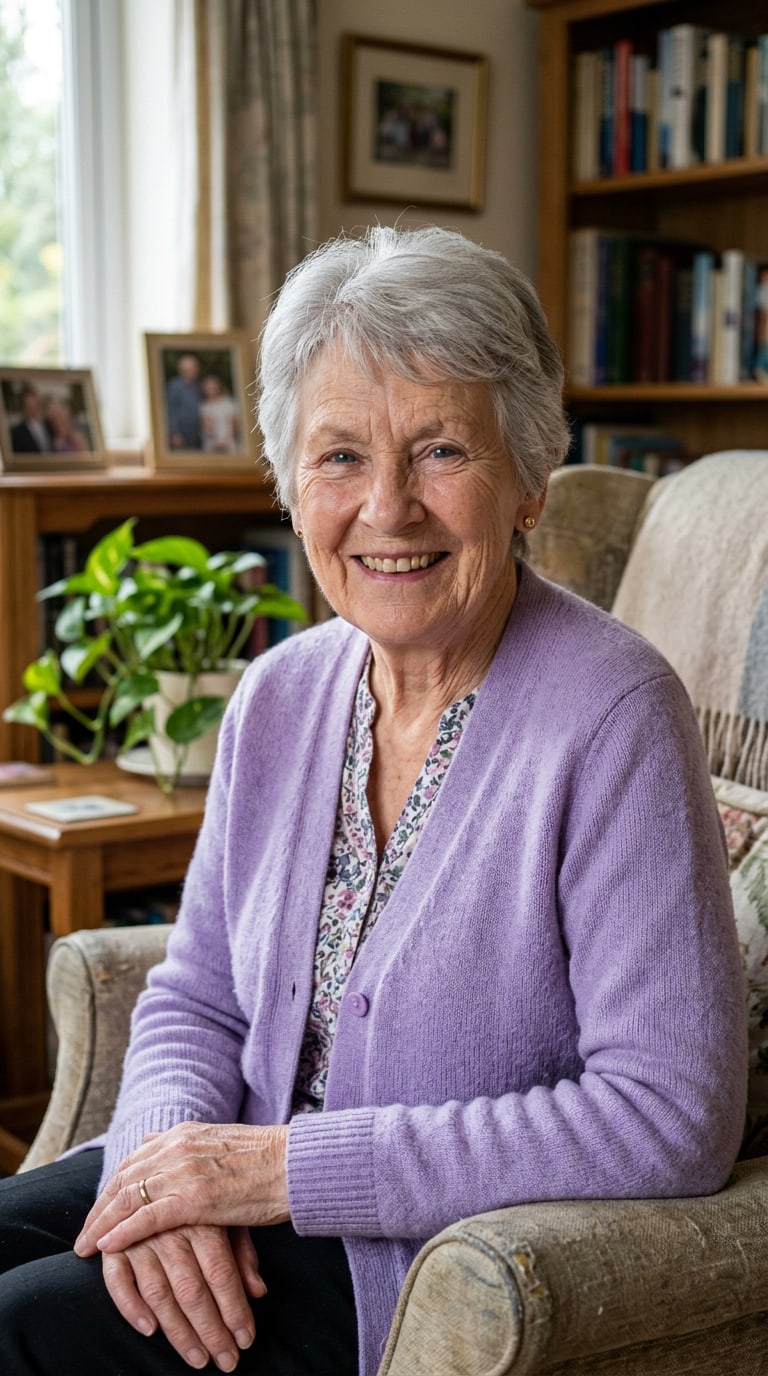
Photo animation is when AI turns a still picture into a short clip. The person in the photo starts to smile, blink, turn their head or wave, and the wind moves their hair and the leaves. It is especially precious for old family photos: grandparents who are no longer around seem to come alive for a few seconds.
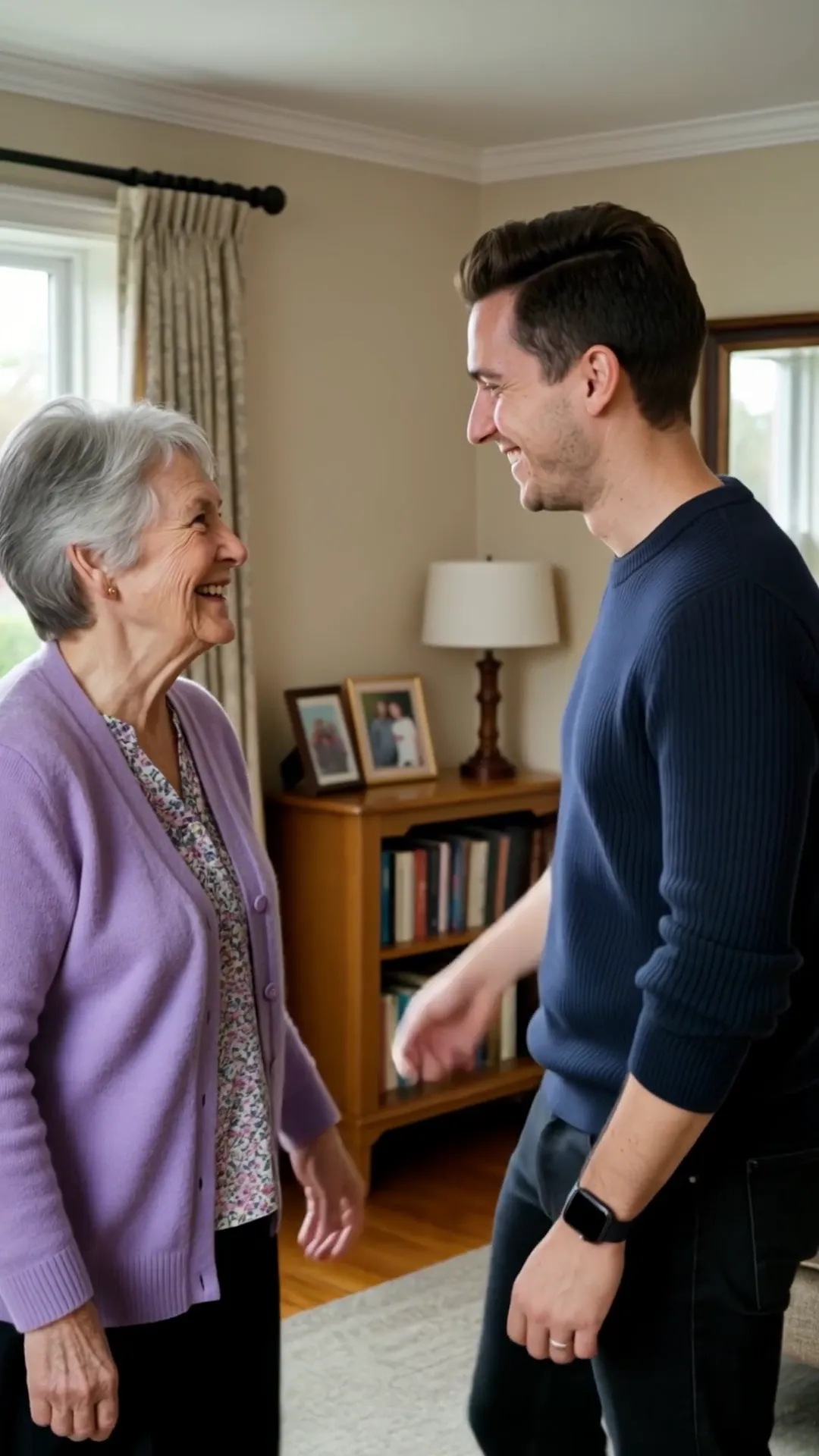
To animate a photo, upload one picture and describe one simple action for 5 seconds: “grandma smiles and waves”, “the couple hugs”. We make 2 versions of 5–6 seconds, the operator checks that the faces have not “drifted” and sends them to you. The price is 290 UAH (≈ $6), 2 revisions included.
Which photo works
- A sharp photo where the face is clearly visible; better without a frame or captions.
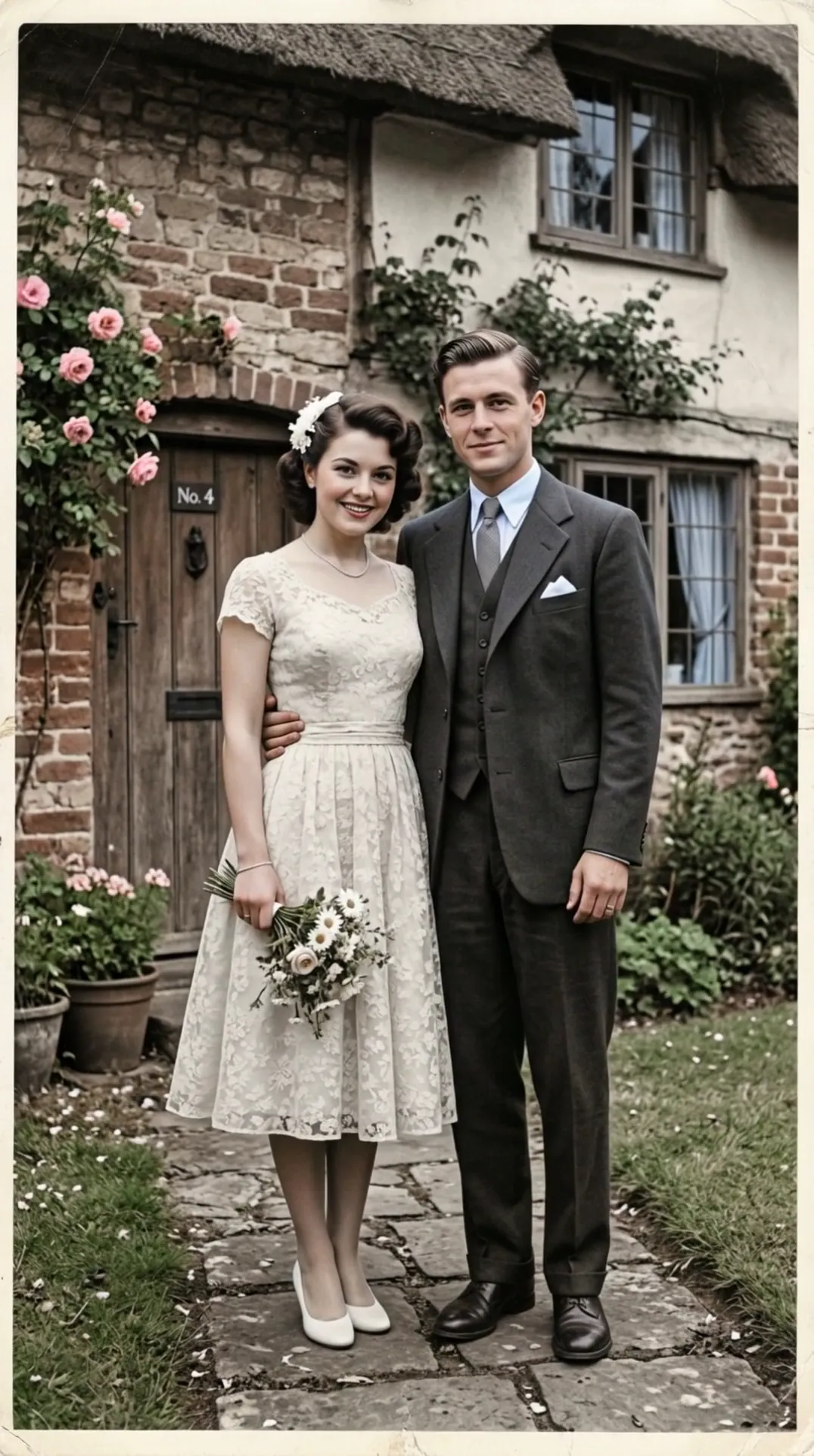
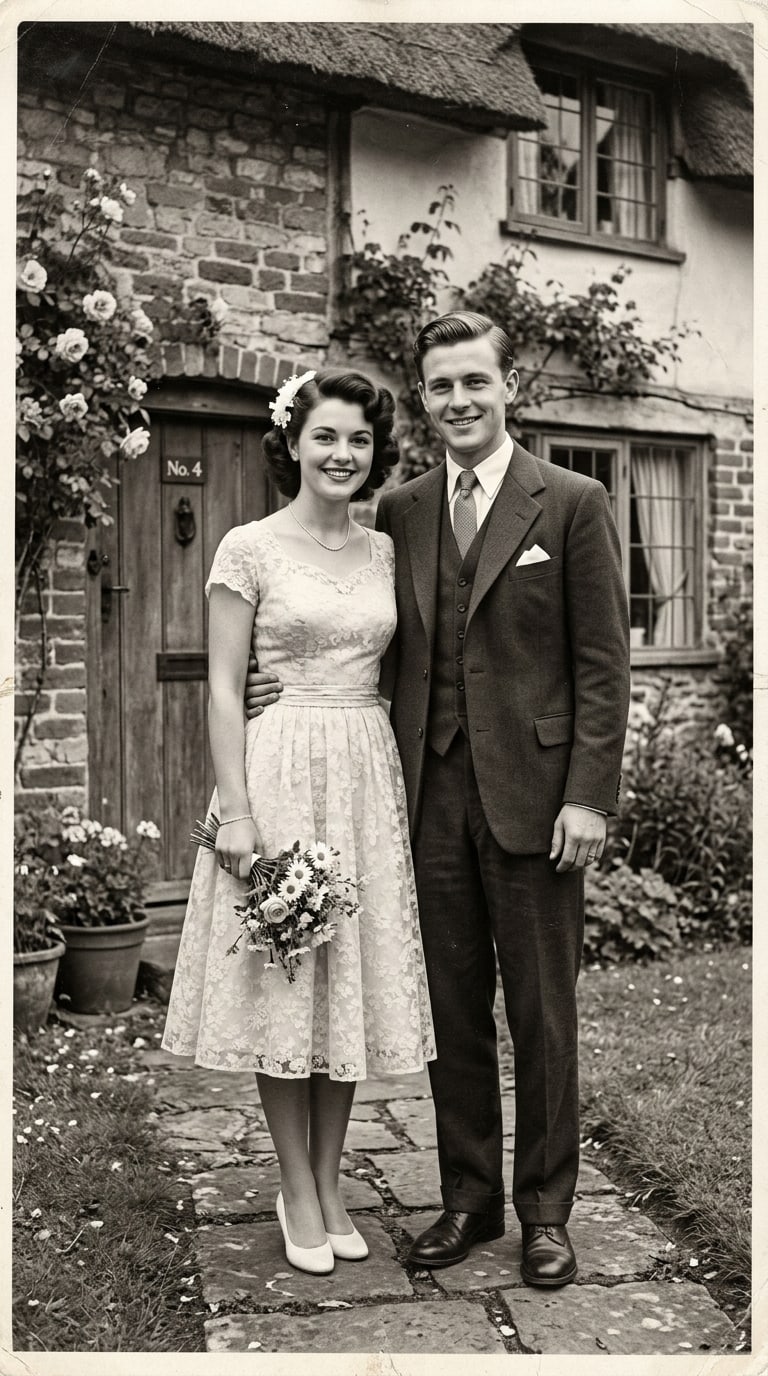
- An old black-and-white photo works too — in the example a 1950s couple comes alive in color.
- You can combine two people from different photos — as in the hug example.
- If there is a child in the photo, parental consent is required.
A video or cartoon in 8 seconds
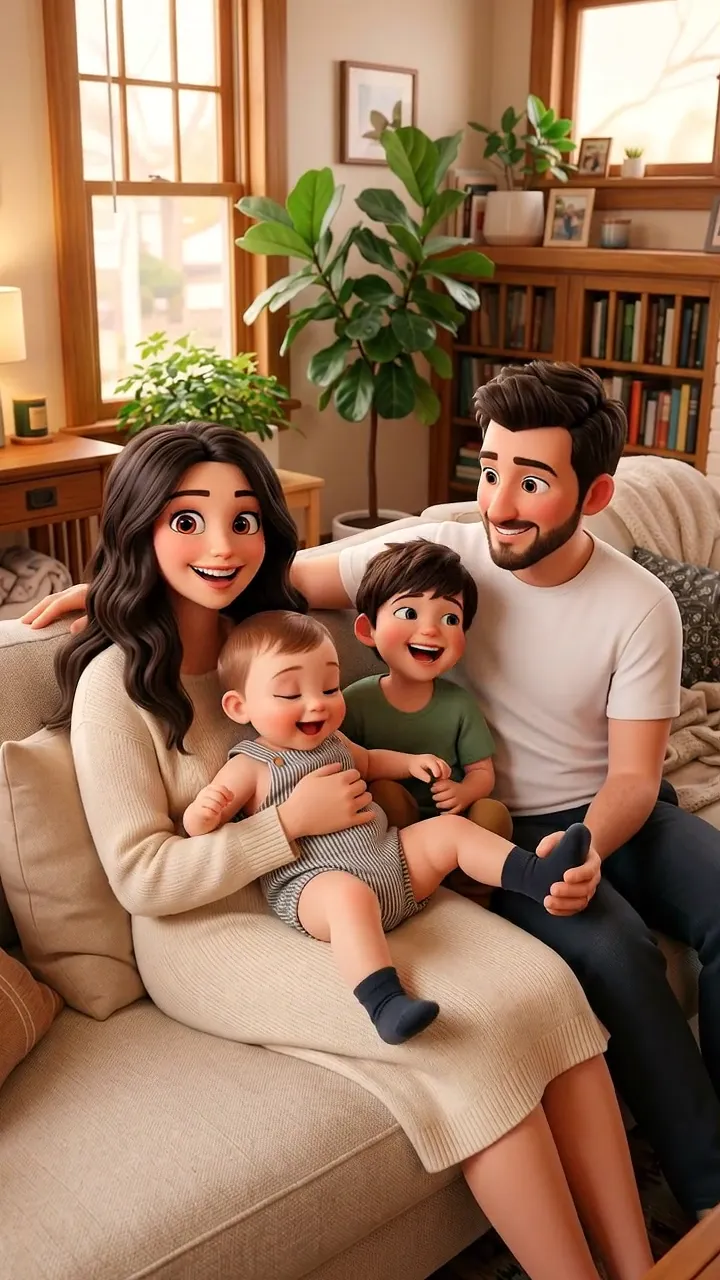
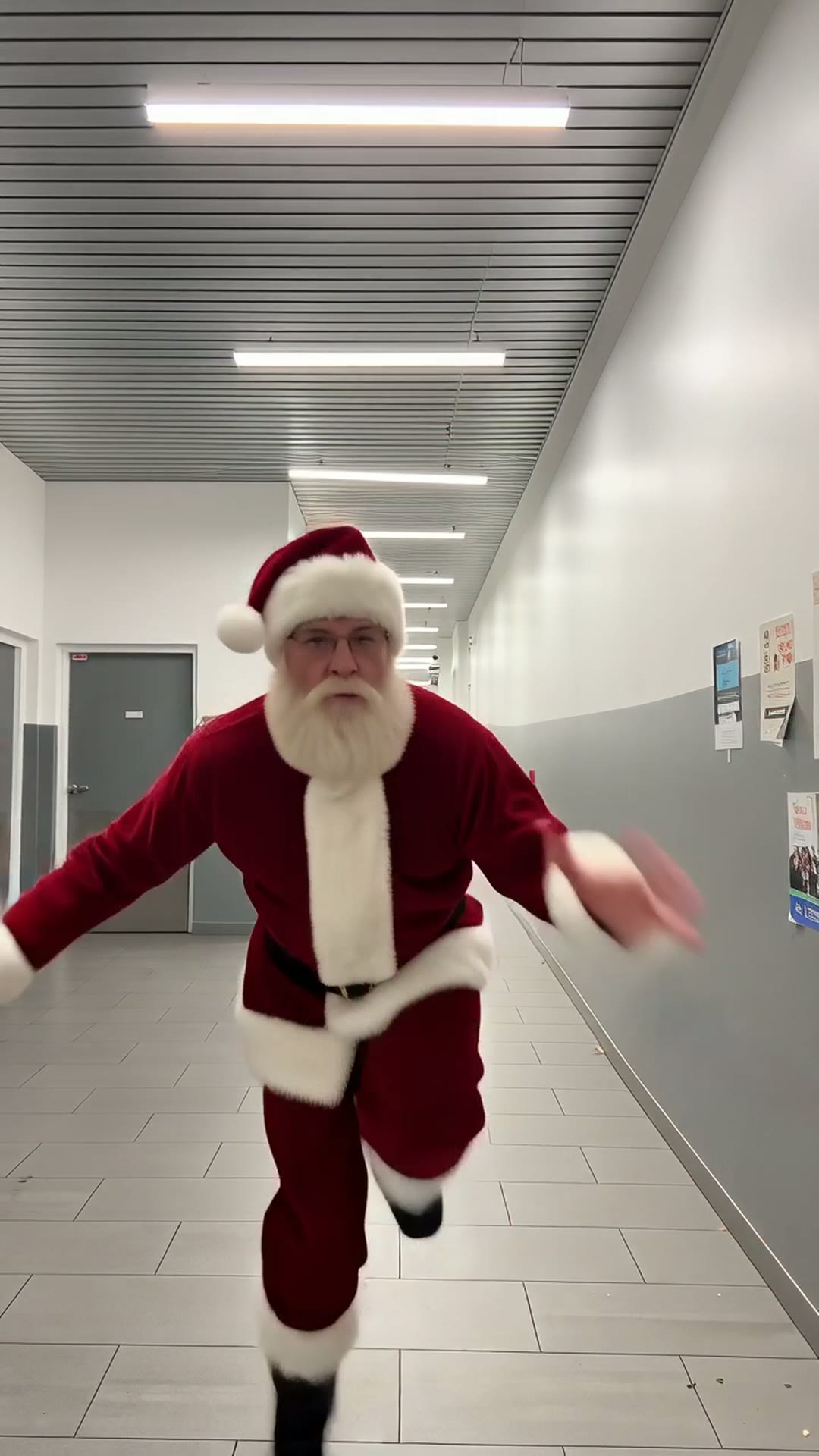
If you need a small story rather than just motion, choose “Video or cartoon” (330 UAH (≈ $7)). It is an 8-second clip with sound: the characters move and say 1–2 lines in Ukrainian. It can be a cartoon from a family photo, a trend video from your photo (a dance, for example) or a short clip for a brand with your logo. You get 2 versions and 2 revisions.
How ordering differs from generating yourself
In the WebTerra AI dashboard you can animate a photo yourself — there are dozens of video models. But AI often makes mistakes: it distorts faces, adds extra hands or makes the motion unnatural. When you order a clip, you get a result that has already been picked: the operator reviews every version and regenerates if needed.
Deadlines and payment
The result arrives within 24 hours after payment. Pay by card, Apple Pay or Google Pay via monobank. No sign-up needed: the order link is sent by email, and an account is created automatically after payment. You can download the clips and share them on social media or in messengers.
What affects the quality of a clip
AI handles simple, natural motion well: a smile, a turn of the head, a wave, a hug. Complex actions within a few seconds — running, several people dancing, small objects in hands — come out worse, which is why we ask for one simple action when animating a photo. Photo quality matters too: the sharper the face, the lower the risk that it changes in motion. Old damaged photos can be animated as well, but the AI fills in small details, so the result looks a little “cleaner” than the original.
Trend videos from your photo
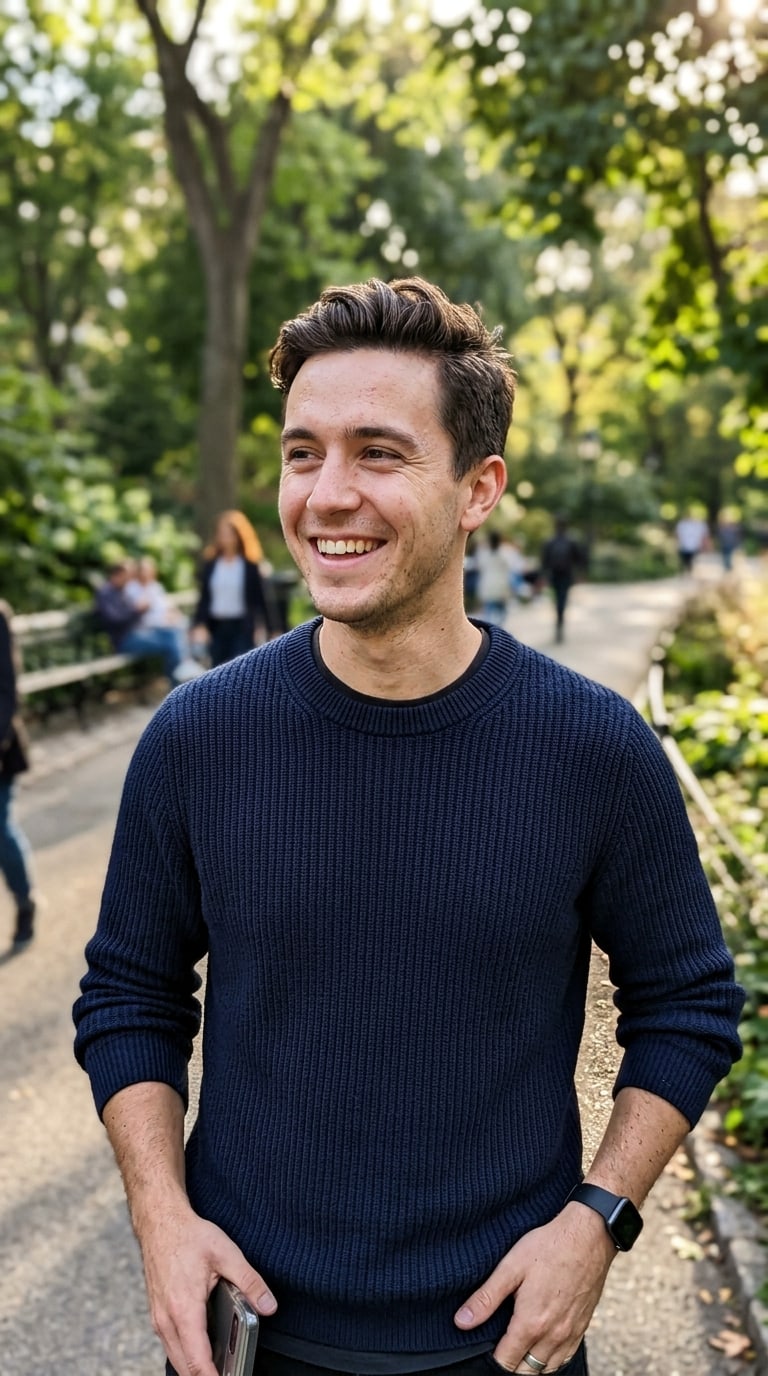
Popular social media formats — dances, transformations, festive scenes — can be recreated with your own photo. In the form choose “Video or cartoon” with the “Trend” type and describe the clip you want. Some trends can also be made on your own in the dashboard, in the Trends section.
How to order a clip
- Choose “Animate a photo” or “Video or cartoon” and press “Order”.
- Add a photo and describe the action or the story.
- Pay by card via monobank — no sign-up needed.
- Get 2 versions by email; not happy — write what to change.
Ideas for clips
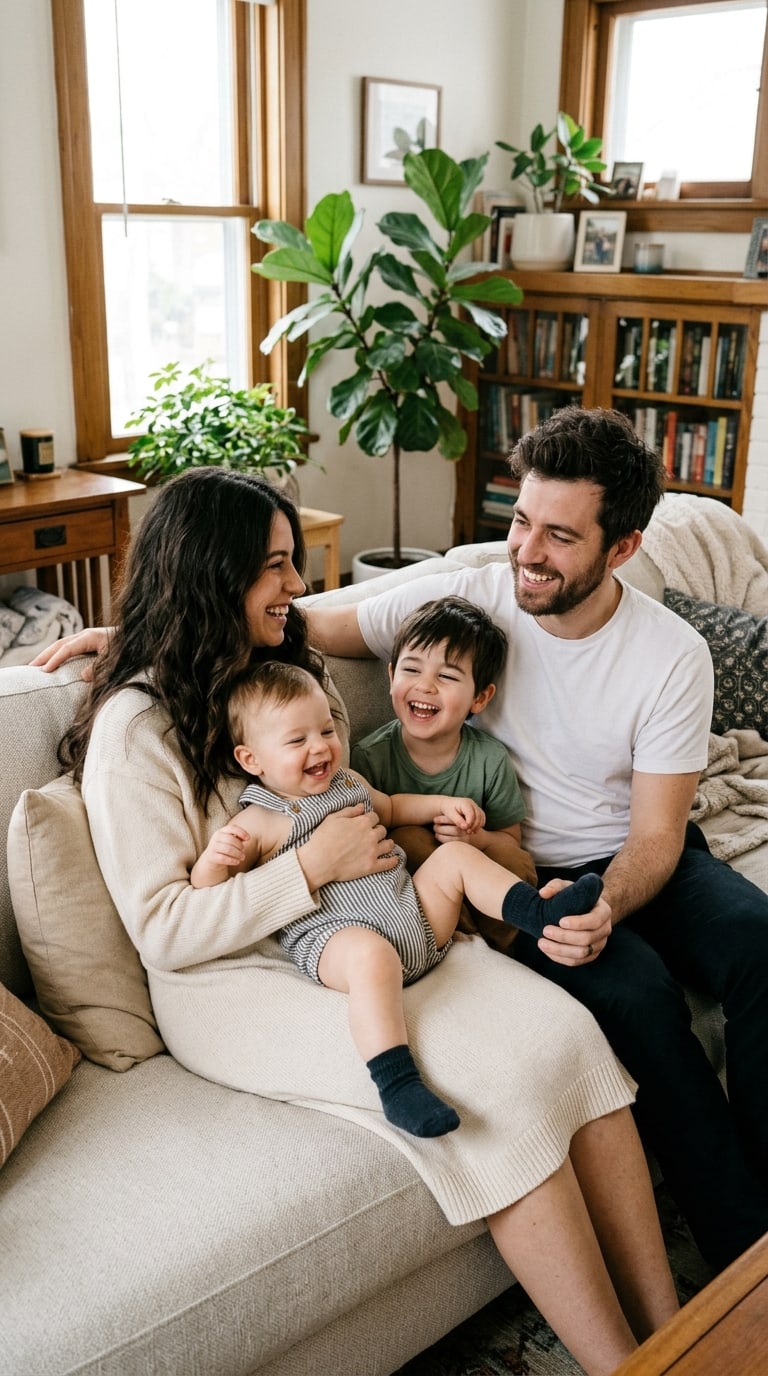
Animate your parents’ wedding photo for their anniversary, make a cartoon from a family photo for a child’s birthday, recreate a popular trend dance with your own photo, animate a photo of your pet or make a short video for your business page. The people in the examples are fictional — they were generated by AI.